

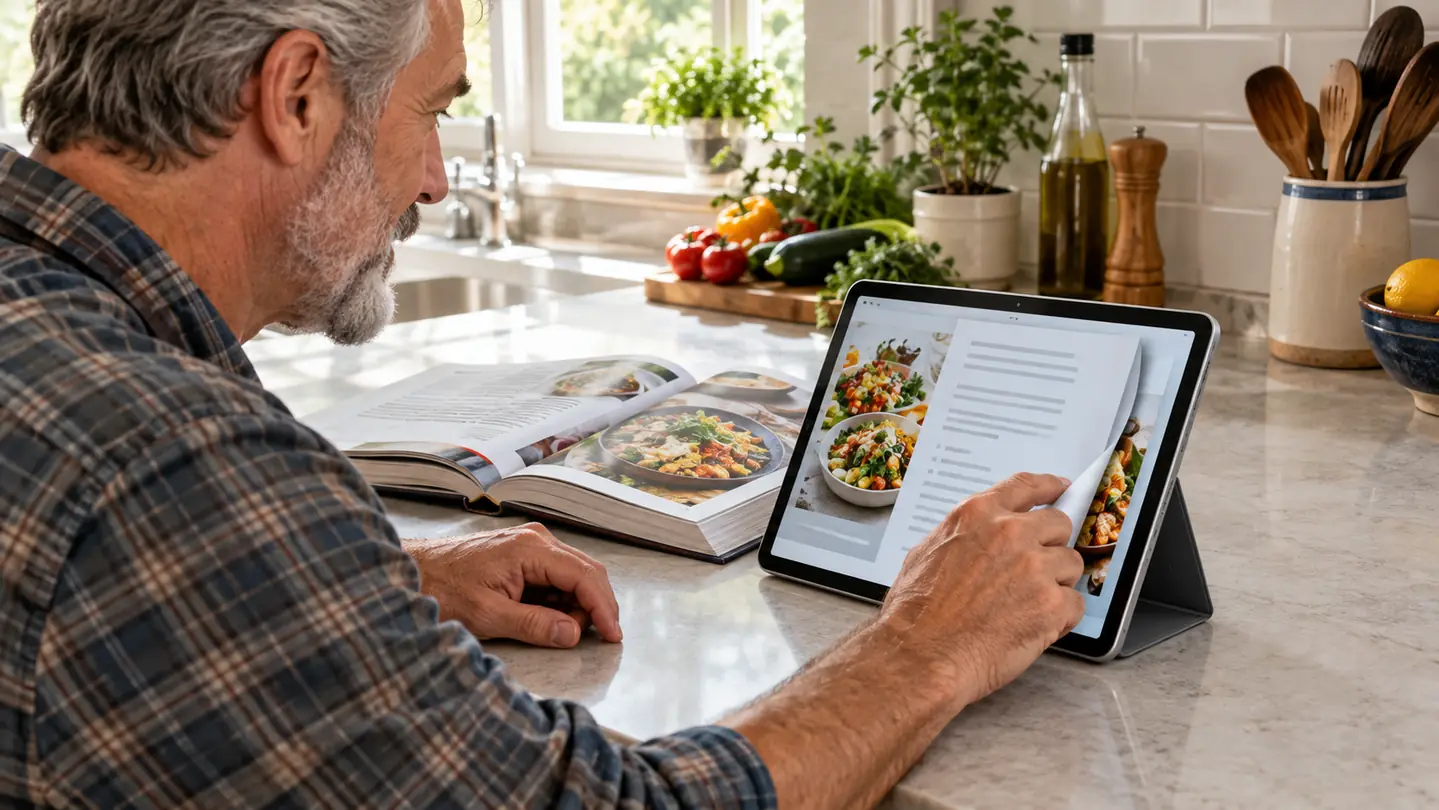
Four months ago I put the Samsung Galaxy Tab A11+ on my kitchen counter, next to the cookbook stand, and it has become the tablet I reach for during the day. The short answer to the title question: for the way most people actually read, which is library books, magazines, PDFs and the occasional recipe, the Samsung is the better tablet. The Fire HD 10 is the more affordable tablet, and it is the right choice for a specific kind of reader. But I spent an afternoon with a friend's Fire HD 10 to be fair, and the differences are bigger than the price gap suggests.
Before I go further, one confession so you know where I stand: the Galaxy Tab A11+ is not my bedtime reader. That job belongs to my Kindle Paperwhite, and nothing about this comparison changes that. A bright LCD screen is still a bright LCD screen at 11pm, no matter how good the tablet is. But reading is not only what happens in bed. Magazines, picture-heavy nonfiction, library PDFs and the three cookbooks I rotate through all read better on a large color screen, and that is the territory where this comparison actually matters. The kitchen counter is where the real reading work happens in my house, and that is where this tablet earns its keep.
How I Compared Them
I have owned the Samsung Galaxy Tab A11+ since June, so this is a four-month opinion, not a first-impression opinion. I have read two full cookbooks on it, worked through a stack of library magazines, loaded a shelf of PDFs from my branch's digital collection, and used it for video calls with friends. I have also carried it between the couch and the kitchen counter, which is where it lives most days. The Fire HD 10 I have only handled briefly, a friend's tablet and an afternoon's worth of poking around. I want to be honest about that imbalance up front: my long-term opinions are about the Samsung, and my Fire opinions are about what I could see and try in one sitting.
To keep the comparison fair, I tested the same jobs on both tablets: checking out a library book in Libby, opening a Kindle book, opening a magazine-style PDF, watching the screen in a dim room, and checking whether the apps I actually use are available without a workaround. I also paid attention to the small things that decide whether a device gets used, like whether the screen is comfortable for an hour, whether the tablet stays cool on a lap, and whether I found myself reaching for it or for my phone. That last question turned out to be the whole ballgame, and it is the reason this comparison exists, because the app store question decides almost everything else.
Here is the short version in a table. The word 'winner' means better for the job of reading, not better in every possible way.
| Samsung Galaxy Tab A11+ | Amazon Fire HD 10 | |
|---|---|---|
| Screen size | 11-inch color LCD, shows a full magazine page comfortably | 10.1-inch color LCD, close but a touch smaller |
| App store | Full Google Play store, so Kobo and most reading apps install normally | Amazon Appstore only; some apps like Kobo need sideloading |
| Kindle books | Kindle app runs fine alongside Libby and Kobo | Kindle is built in and front and center, Amazon's home turf |
| Library loans | Libby runs directly, and Kindle loans work through Read with Kindle | Libby is in the Amazon Appstore and Kindle loans work the same way |
| Storage out of the box | 128GB, room for a big book and magazine collection | Smaller base storage, plan on a microSD card sooner |
| Expandable storage | microSD slot | microSD slot |
| Price | More capable and usually more expensive | Usually the lower-cost option, often by a wide margin |
| Video calls | Mainstream video call apps install from Google Play | Camera works, but app choices are thinner in the Amazon Appstore |
| Night reading | Bright backlit screen with an eye comfort setting, still hard on eyes at night | Bright backlit screen with a blue light filter, same story |
Where the Samsung Galaxy Tab A11+ Wins
The biggest difference between these two tablets is not the screen, the storage, or the price. It is the app store. The Samsung Galaxy Tab A11+ runs Android with the full Google Play store, which means the Kobo app installs the normal way, Libby installs the normal way, and every app you discover while searching for something else just works. The Fire HD 10 runs Amazon's Fire OS, and its app store is the Amazon Appstore. You can sideload apps onto a Fire, and plenty of people do, but a workaround is exactly the kind of friction that stops a device from getting used. I know myself well enough to admit that if I had to sideload an app to read a Kobo book, I would simply read fewer Kobo books.
Storage is the other quiet win. The Samsung starts at 128GB, and I have loaded it with a cookbook collection, two years of library magazines, and a stack of picture-heavy nonfiction without thinking about space once. The Fire HD 10's base storage is smaller, so you will be shopping for a microSD card sooner. Both tablets take a microSD card, so this is not a dealbreaker for the Fire, but it is a difference you notice in the first week. And because the Samsung is a general Android tablet rather than an Amazon appliance, it doubles as a video call screen and a recipe stand without complaint. That versatility is the reason it earns its spot on my counter.
A workaround is exactly the kind of friction that stops a device from getting used.
Where the Fire HD 10 Wins
I have to give the Fire HD 10 its due, because it wins on the two things many shoppers care about most. It is usually the lower-cost option, often by a wide margin, and it is the more Amazon-native device. If your books come from Kindle, your movies from Prime Video, and your audiobooks from Audible, the Fire puts all of that on one home screen with less fiddling than the Samsung. Amazon built the Fire for exactly that person, and in that world it is genuinely pleasant to use. My friend has owned hers for years and has never once complained about it, which is more than I can say for most gadgets. And the savings matter even more when you are buying for a whole family.
The Fire is also the simpler tablet. Fire OS is locked down in ways that annoy tinkerers but comfort people who do not want to manage a device. There are no confusing settings to wander into, the parental controls are thorough for families, and the whole thing feels less like a computer and more like an appliance. I spent an afternoon with my friend's Fire HD 10 and came away understanding exactly why so many households own one. For a child, for a first tablet, for a person who only wants Kindle books and a streaming app, it does the job with less money spent and less to learn. One honest caution: the standard model shows promotions on the lock screen, which is worth knowing before you buy.
The tablet that reads every app you already use
Four months in, the Samsung Galaxy Tab A11+ is the daytime tablet I reach for: cookbooks, magazines, library PDFs and video calls on one 128GB screen, with the full Google Play store and no sideloading. Check today's price on Amazon and see if it fits your reading life.
Amazon Check Today's Price on Amazon →
The Part That Surprised Me Most
What surprised me most was not the app store. It was how much the screen size matters for the way I actually read. On my Kindle Paperwhite, a magazine article is a narrow column that I page through dozens of times. On the Samsung's 11-inch screen, a magazine spread reads like a magazine. A PDF of a history book's maps chapter is legible without pinching and zooming every few seconds. A cookbook propped on the counter shows the ingredient list and the method at the same time, which sounds small until you have flipped back and forth a hundred times with flour on your hands.
The Fire HD 10's screen is only about an inch smaller, and for most reading that inch is not the difference between comfortable and cramped. But the Samsung's advantage is not just the size. It is that the apps I need for that kind of reading are all available and all updated the normal way. The Fire can do the same jobs, but it asks you to work around its app store to do some of them. That is the whole comparison in one paragraph: the Samsung removes friction, the Fire adds a little, and the price difference is what you trade for it. For most of the readers I know, that trade is worth making.
Practical Details Worth Knowing
First, the eye comfort setting is real, but it has limits. The Galaxy Tab A11+ has Samsung's eye comfort mode, which warms the screen, and I turn it on whenever I read on the couch in the afternoon. It helps more than I expected, but it does not turn a bright LCD into an e-ink screen. If most of your reading happens in bed at night, buy an e-reader and use a tablet like this for the daytime jobs. That is not a criticism of the tablet. It is just a description of what a backlit screen is. I keep the setting on all afternoon, and the tablet goes away before evening.
Second, library loans work on both, and they arrive the same way. With the Samsung, I check out a book in Libby and read it in the Libby app, or I send Kindle loans to the Kindle app. The Fire HD 10 does the same two things, because Libby is in the Amazon Appstore and Read with Kindle works on Fire tablets. If your reading diet is mostly library books, both tablets will feed you. The difference is not the loans. The difference is everything around the loans, like whether the Kobo app is available when your library happens to own a copy in Kobo. That is a small thing until it is the thing that sends you back to your phone.
Third, size changes how you hold it. An 11-inch tablet is a lap or a counter device, not a one-hand bedtime device. I prop the Samsung against the cookbook stand while I cook, and I rest it on the couch arm while I read magazines. The Fire HD 10 is the same size category, so it will want the same treatment. If you are hoping a tablet this size will replace your e-reader in bed, it will not. Keep the e-reader for bed and let the tablet do what it does well.
Fourth, do not overlook the simple things, like how the tablet feels on a lap. The Samsung is light enough to hold for an hour of magazine reading on the couch, and it does not get uncomfortably warm even after a long session. I cannot give the Fire HD 10 the same long-term verdict, because I only had it for an afternoon, but it felt comparable in the hand. The deciding factor for me was never the hardware. It was whether the apps I wanted were there, and on that question the Samsung simply has more to offer.
Who Should Buy Which
Buy the Samsung Galaxy Tab A11+ if you borrow from the library through Libby, if you read Kobo books, if you want one tablet for magazines, PDFs, cookbooks and video calls, or if you simply do not want to check whether an app exists before you buy. The 128GB of storage and the full Google Play store make it the better long-term purchase for anyone whose reading is not exclusively Amazon. It is the tablet I keep on my kitchen counter, and four months in, I have not regretted the choice once. I would buy it again tomorrow.
Buy the Fire HD 10 if your books already live in Kindle, your movies live in Prime Video, and you want the most tablet for the least money. It is the right choice for a family tablet, a first tablet, or a person who has no interest in sideloading an app. Just know what you are giving up: the Kobo app will not install the normal way, and the app store is smaller. If those two things do not bother you, the Fire will serve you well and save you money doing it.
The daytime reader I actually reach for
After four months, the Samsung Galaxy Tab A11+ has earned its spot on my kitchen counter: cookbooks, magazines, library PDFs and video calls on one 128GB screen, with no sideloading and no compromises. See today's price on Amazon.
Amazon Check Today's Price on Amazon →