
Every reader I own has a job. My Paperwhite is for bed, my Kobo is for bad-thumb days, my Scribe is for nonfiction I want to argue with in the margins. For the first half of this year, though, I had a gap: anything with color. Cookbooks, art books, magazines, PDFs borrowed from the library, a picture book I wanted to actually see. E-ink handles words beautifully. It handles a full-page photograph the way a typewriter handles a photograph. In June I added the Samsung Galaxy Tab A11+ to the shelf, and it turned out to be the missing piece.
This is not a case against e-ink. I still read every novel in bed on my Paperwhite, and nothing is going to change that. But if your reading includes anything with pictures, here are the ten reasons the tablet earns its place on the kitchen counter, in plain daylight, doing the job a text-only screen cannot.
If one book you read this month has photos, this is the screen for it.
The Samsung Galaxy Tab A11+ gives picture books, cookbooks, magazines and library PDFs an 11-inch color screen, 128GB of storage with room to expand, and the Libby, Kindle and Kobo apps all on one device. It is my daytime reader for everything e-ink cannot show me.
Amazon Check Today's Price on Amazon →Color that shows the art the way it was printed
My Kobo does render color, but it is a softer, muted color. A picture book from 1987 with saturated oranges and blues, a cookbook with a glossy photograph of a finished cake, these want a screen that shows them the way the paper did. The tablet's LCD screen shows color the way the artist expected you to see it. That alone settled the question for me.
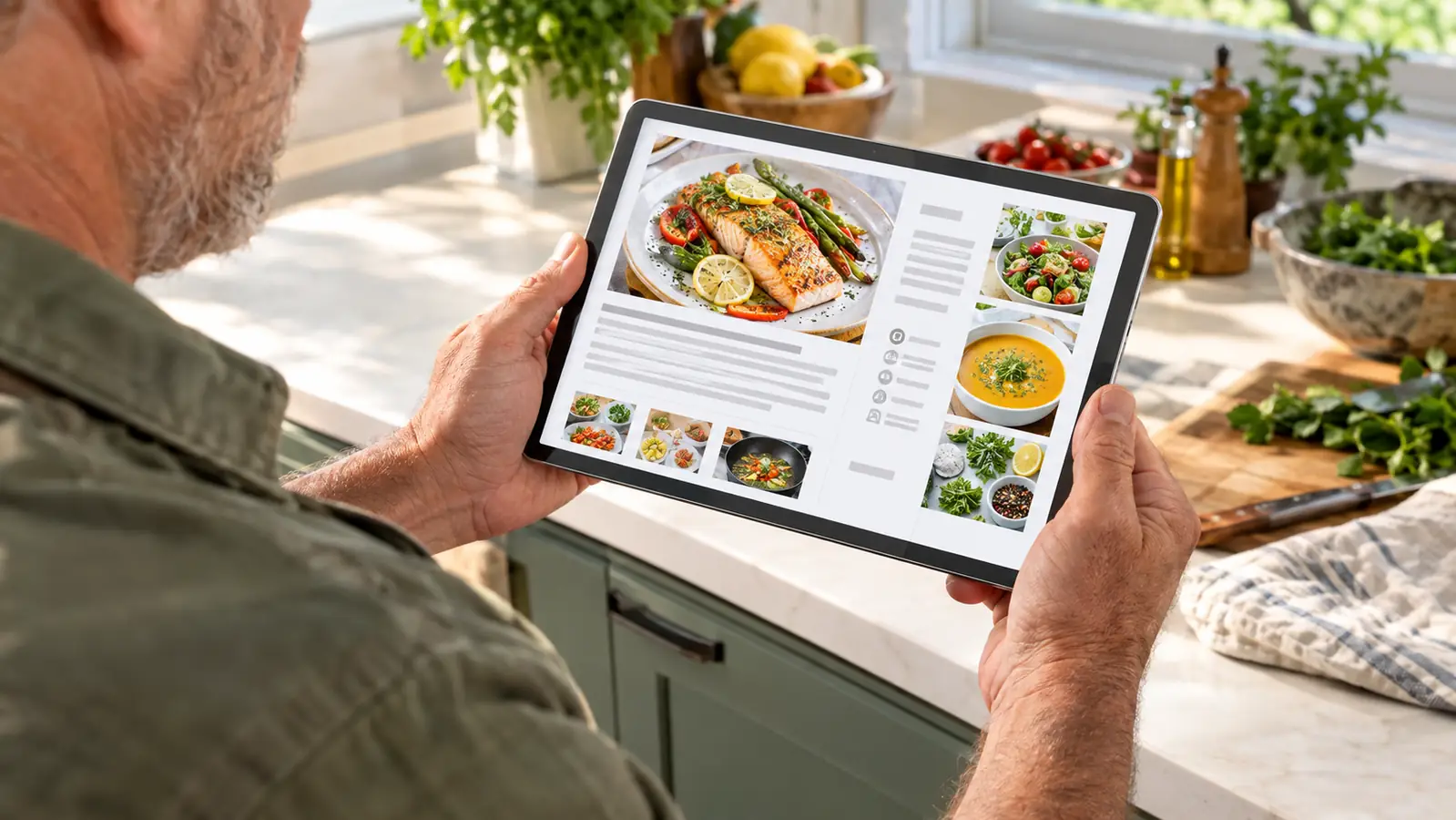
An 11-inch screen that matches the printed page
Cookbooks and magazines are designed for a page roughly eight by ten inches. On my seven-inch e-readers, I was forever zooming and panning, which is fine for a diagram and exhausting for a chapter. The tablet's 11-inch screen shows a full spread at a readable size. I read an entire issue of a gardening magazine without once pinching to zoom. That had never happened on any e-reader I own.
PDFs open the way they were made
Library PDFs, old manuals, sheet music, documents that were never reflowed for a small screen. E-ink readers shrink a fixed-layout page to fit and leave you squinting. The tablet renders the PDF at full size, and I can turn it sideways for a two-page spread. I have read sheet music from the library's collection this way, which is something no e-reader I own has ever managed gracefully.
Zoom that keeps up with a curious reader
Maps, charts, a family tree in a biography, a diagram of a ship's rigging. On e-ink, zooming is a slow, deliberate act. On the tablet, it is quick and natural, and I never lose my place in the page. For nonfiction with plates and figures, this is the difference between actually studying a diagram and giving up on it. I have spent whole afternoons in maps of places I will never visit.
Magazines read like magazines again
A magazine is a designed object. Pull quotes, sidebars, full-bleed photographs, an advertisement that is part of the experience. Squeezed onto a seven-inch e-ink screen, it becomes a gray wall of text. On the tablet, it looks like the thing the editor made. I have worked through a stack of library back issues this summer that would never have made it past the first page on my Paperwhite.
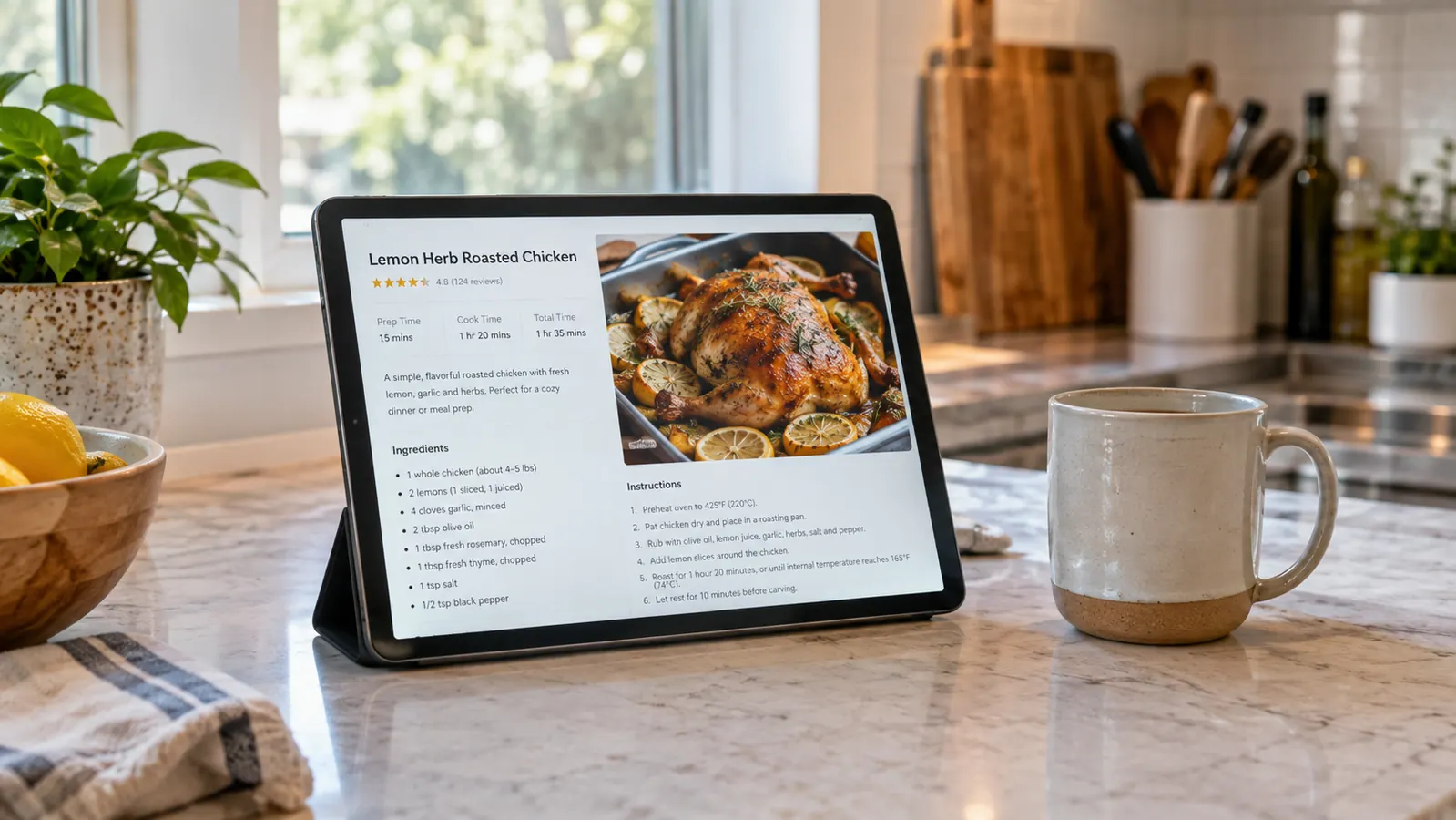
Cookbooks belong on the kitchen counter
My tablet lives on the kitchen counter during the day. I prop it against the backsplash, pull up a recipe, and the screen stays where I left it while I measure and stir. It shrugs off a dusting of flour and a wiped-down splash better than a paper page, and I can enlarge the type when I am reading from across the counter. I have made the same banana bread from it four times since June.
Every library app in one place
Libby, Kindle, Kobo. On my e-ink readers, each borrowed book lives in its own app on its own device. The tablet runs all three, so a PDF from the library, a magazine from the same library, and a Kindle book I bought sit side by side. When a hold comes in mid-afternoon, I read it on the tablet, and it is waiting on my Paperwhite by bedtime because the apps sync. One afternoon, one device, three different kinds of reading.
One device for the whole afternoon
The tablet is the only device I own that goes from a magazine to a video call to a crossword without me changing seats. I bought it for reading, but it has quietly become the thing I reach for when I want to look something up from the couch. Dale uses it for the news while I read my novel on e-ink. It earns its corner of the counter every single day.
It protects the reading that matters most
Here is the honest trade-off. A backlit screen is harder on my eyes at night than e-ink, which is exactly why I do not read the tablet in bed. But because it handles all the color work in daylight, my eyes are fresh for the Paperwhite at night. The two devices split the day between them, and my bedtime reading has never been more comfortable. The tablet made my nights better by taking over my afternoons.
128GB of storage, with room to grow
Magazines and PDFs are heavy. A single issue with full-page photographs can run hundreds of megabytes, and a shelf of them adds up fast. The tablet came with 128GB, and when that fills there is a microSD slot for more. I keep a folder of out-of-print picture books that my library scanned, and I have stopped thinking about space entirely. That is the quiet luxury of the whole arrangement.
What I'd Skip
All that said, this is not the reader for everyone, and I would hate to see someone buy it for the wrong reason. If the only thing you read is novels and narrative nonfiction, an e-ink reader is lighter in the hand and easier on the eyes at night. If you want a device with no distractions, a tablet is not that, because the notifications and the app store are always one tap away. And if you do most of your reading in bed, the backlit screen will work against you the way it does for me. Buy it for the color, the PDFs, and the daylight hours. That is the job it does better than anything else I own.
I read an entire issue of a gardening magazine on the tablet without once pinching to zoom. That had never happened on any e-reader I own.
If your reading has pictures, this is the screen that shows them.
The Samsung Galaxy Tab A11+ has spent the summer on my kitchen counter, reading cookbooks, magazines and library PDFs in full color, while my e-ink readers went back to doing what they do best. Check today's price and see if it earns a place in your daylight hours.
Amazon Check Today's Price on Amazon →