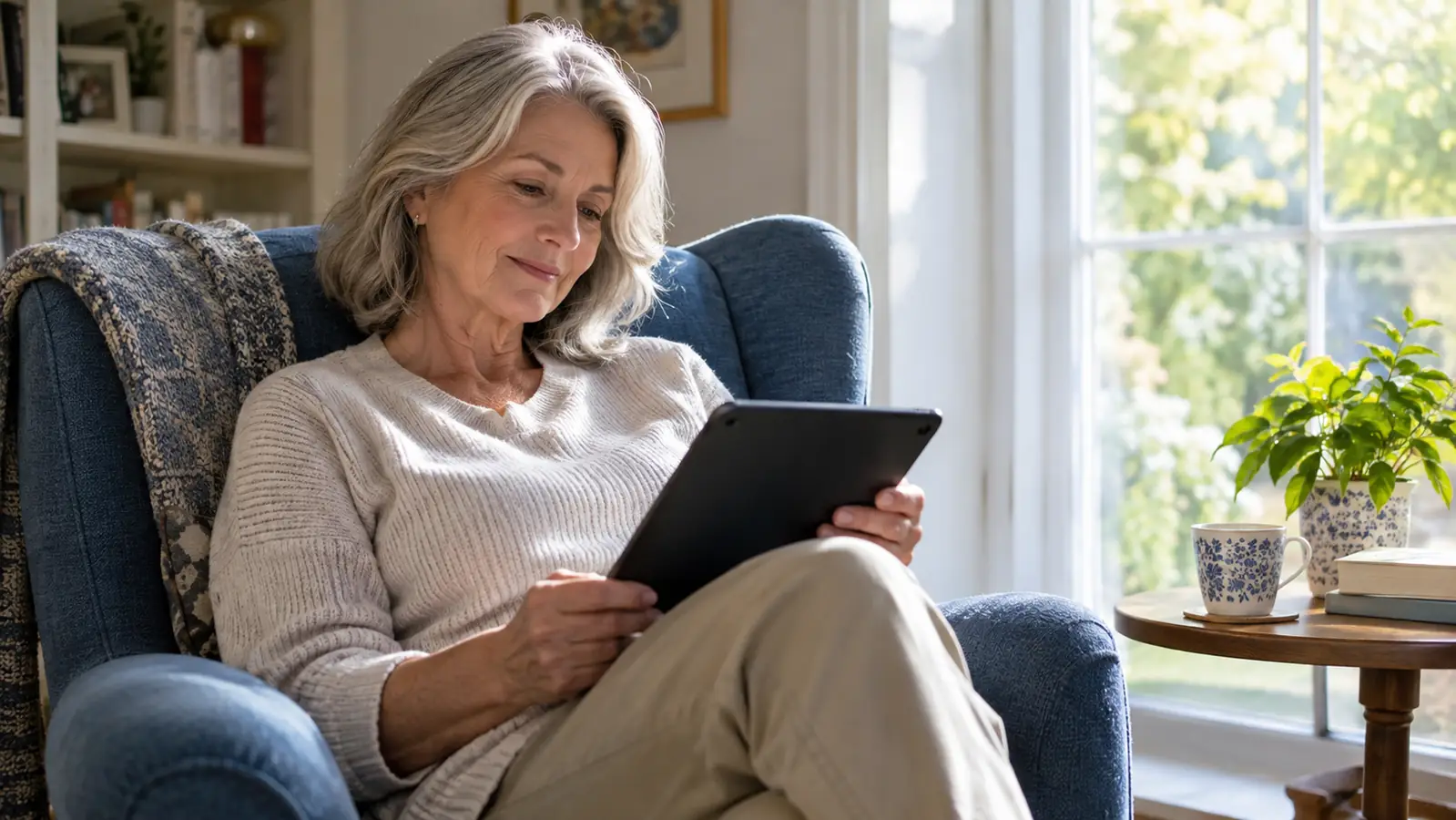
I have a confession that might surprise people, coming from a retired librarian: I stopped reading cookbooks years ago. Not because I lost interest in cooking. Because cookbooks need things my e-reader could not give them. Color photographs. A layout that keeps a whole recipe on one page. A screen large enough that I am not squinting at step three with flour on my glasses. My phone was too small. My e-reader showed everything in black and white. So I cooked from memory, from a short stack of favorites, and I told myself that was fine. Then the Samsung Galaxy Tab A11+ arrived in June, and I found out what I had been missing.
Let me be clear about what this tablet is not. It is not my bedtime reader. That job belongs to my Kindle Paperwhite, and four months with the Samsung has not changed my mind. The Tab is a daytime device. It lives on my kitchen counter and the couch, and it handles the reading my e-ink screens cannot do justice to. Amazon's star ratings for it are strong, and after four months I understand why. Once I stopped expecting it to replace my e-reader and started treating it as a companion, it became one of the most used gadgets in the house.
The Quick Verdict
A capable color companion for cookbooks, magazines, PDFs and picture-heavy books, as long as you keep it to daytime hours. It will not replace your e-ink reader at night, and it does not try to.
Amazon Check Today's Price →If your books need color, this is the tablet I reach for
Cookbooks, magazines, PDFs, picture books. The Samsung Galaxy Tab A11+ handles the reading my e-ink readers cannot, and it has earned a permanent spot on my kitchen counter.
Amazon Check Today's Price on Amazon →How I've Used It
The Tab arrived in June, and I put it to work the same afternoon. I downloaded the Libby app, signed in with my library card, and pulled up a magazine I had been waiting weeks to read on my phone. On the phone it had been an exercise in pinching and zooming. On the 11-inch screen, it looked like a magazine. That first session set the pattern for everything since.
Most of my reading on the tablet happens in two places. The kitchen counter, where I prop it up and follow a recipe without smudging my phone with butter. And the couch, where I read magazines, PDFs and picture-heavy books in the afternoon. My library loans arrive through Libby, and because the tablet runs Android, I also have the Kindle and Kobo apps on it. Everything I borrow or buy shows up on one device.
What it has not done is touch my bedtime routine. When the lights go down, I still pick up the Paperwhite with its warm light. The tablet's screen is bright and backlit, and even with Samsung's eye comfort setting turned on, it is harder on my eyes at night than e-ink. So we have an arrangement. The tablet owns the daytime. The Paperwhite owns the night. Four months in, both of us are happy with it.
I have a system now. When I bring home a stack of library books, the novels go to the Paperwhite and the rest goes to the Tab. Cookbooks, magazines, the oversized biography with the glossy photographs, the travel guide for a trip we keep talking about. The tablet has become the landing spot for everything my e-ink readers would flatten into black and white. It took me about a week to settle into the habit, and now the system runs itself.
Why Color Changed My Reading
The biggest surprise of the last four months is how much color matters for certain kinds of books. I knew cookbooks needed it. I did not expect magazines, travel books and picture-heavy nonfiction to feel like entirely different books on a color screen. A photography book I had borrowed from the library as a PDF sat half-finished on my phone for a month. I opened the same file on the Tab one afternoon and read it cover to cover.
The 11-inch screen changes the math. A magazine page displays at nearly full size, and the text is legible without zooming. When I do need to zoom, on a map or a dense chart, the pinch and drag works smoothly, and the screen is bright enough that details stay clear. I have read entire issues of a gardening magazine in the afternoon light by the window without once wishing I had printed it.
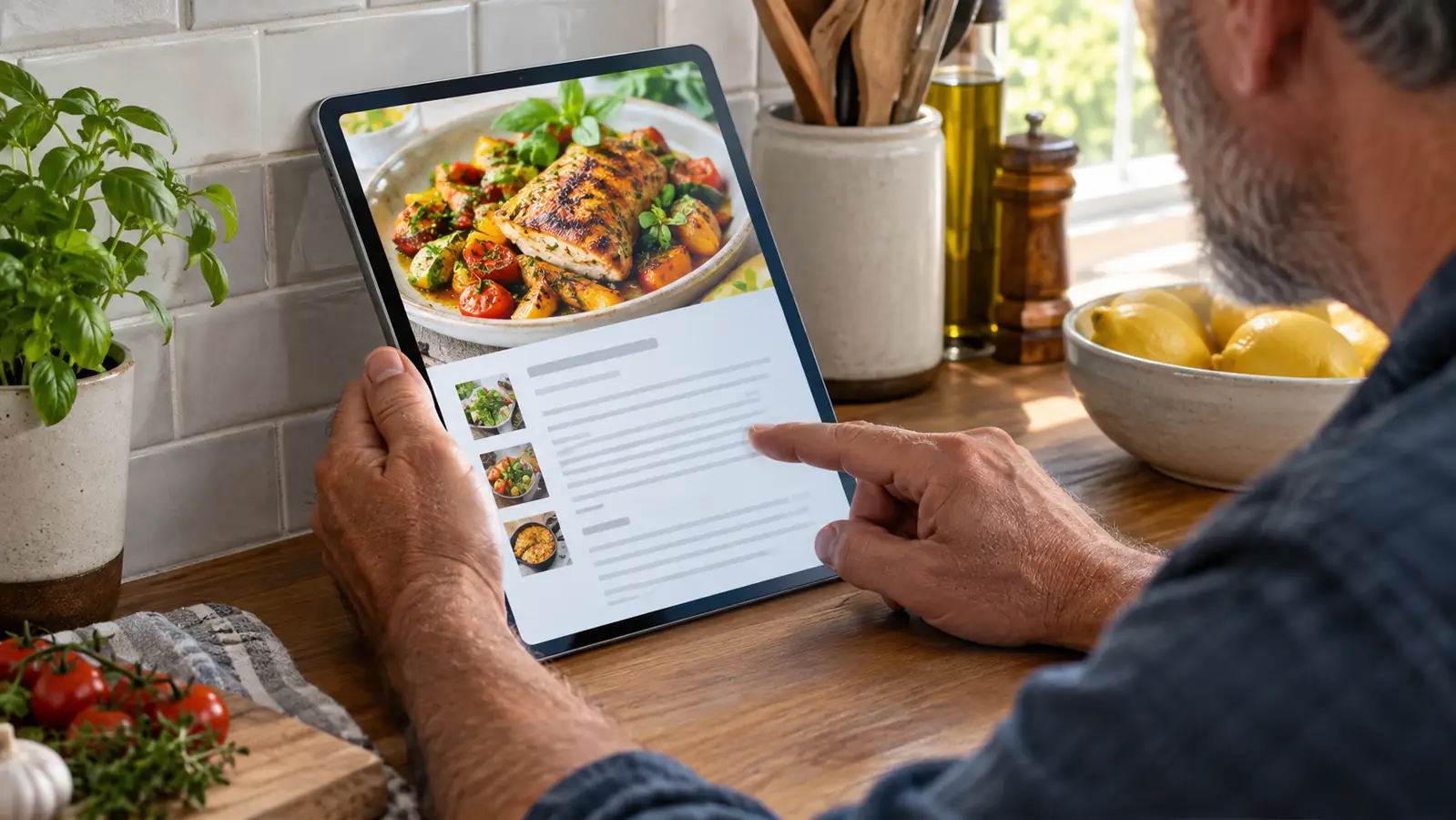
For cookbooks, the tablet has quietly become my kitchen tool. I prop it on the counter, and the recipe stays put while my hands are busy. I can zoom in on a step, and the photographs look like the book jacket instead of a washed-out thumbnail. It is not the same as a paper cookbook, but it is close enough that I have stopped buying cookbooks on paper.
Travel books deserve a special mention. My husband Dale and I have been half-planning a trip, and the guidebooks from the library are full of maps and photographs that are useless in grayscale. On the Tab, I can zoom into a neighborhood map, read the street names, and actually see what the hotel looks like before we book it. It has turned trip planning from a chore into something I look forward to.
The Screen, and the Eye Comfort Setting
Here is the honest part. The Tab has a bright, backlit LCD screen, and that is both its strength and its limitation. In daylight, it is excellent. Colors pop, text is crisp, and I have never had to tilt the screen to find a good angle. Samsung's eye comfort setting shifts the screen warmer, and I keep it on all the time. It helps. It takes the sharpest edge off the white. But it does not turn an LCD into e-ink.
I know this because I have tried. One afternoon I took the Tab to the couch intending to read a novel, and within twenty minutes I was reaching for my reading glasses and feeling the familiar strain behind my eyes. That is not a criticism of the tablet. It is a reminder of why I own e-ink readers at all. My eyes are sixty-one years old and they have earned their opinions. Bright screens at night are not their favorite thing.
So the tablet stays in the daytime, and that has turned out to be the right call. I use it in the morning with coffee, in the afternoon on the couch, and I put it away before dinner. Knowing its limits has made me like it more, not less.
One small thing I have learned: the brightness slider is your friend. I keep the Tab around sixty percent during the day, which is plenty, and I bump it down further in the late afternoon. That, plus the eye comfort setting, makes a real difference over a long session. It is still not e-ink, but it is a kinder LCD than I expected.
One Device, Three Reading Apps
The other thing that sold me on the Samsung is the app situation. Because it runs Android, I can install the Libby app, the Kindle app and the Kobo app on the same device. My library loans, my Kindle purchases and the few Kobo books I own all live in one place. That matters more than it sounds. Before the Tab, magazines lived on my phone, PDFs lived on my laptop, and cookbook samples lived nowhere at all.
Storage has been a non-issue. The Tab came with 128GB, and there is a microSD slot if I ever need more. I downloaded a full year of a magazine, twelve issues, plus a stack of picture books from the library, and the storage bar barely moved. I stopped thinking about space entirely, which is the best thing you can say about storage on any device.
It also handles the non-reading jobs without complaint. Video calls on the bigger screen are noticeably easier on my eyes than on my phone, and the front-facing camera is fine for that. I have watched a documentary on it while folding laundry. But those are extras. The reading apps are why it earns its place.
Worth explaining for anyone who has not done it: when I borrow a magazine or a PDF through Libby, it appears in the Libby app on the Tab automatically, no computer involved. For Kindle books, I tap the button in Libby that sends the book to the Kindle app, and it is there in seconds. The Kobo app works the same way for the books in my Kobo library. Three apps, one card, no fuss.
Four months in, that is the test that matters: when a new magazine lands in Libby, I do not read it on my phone. I wait until I am at the kitchen counter with the Samsung.
The Tradeoffs, and the Alternatives I Considered
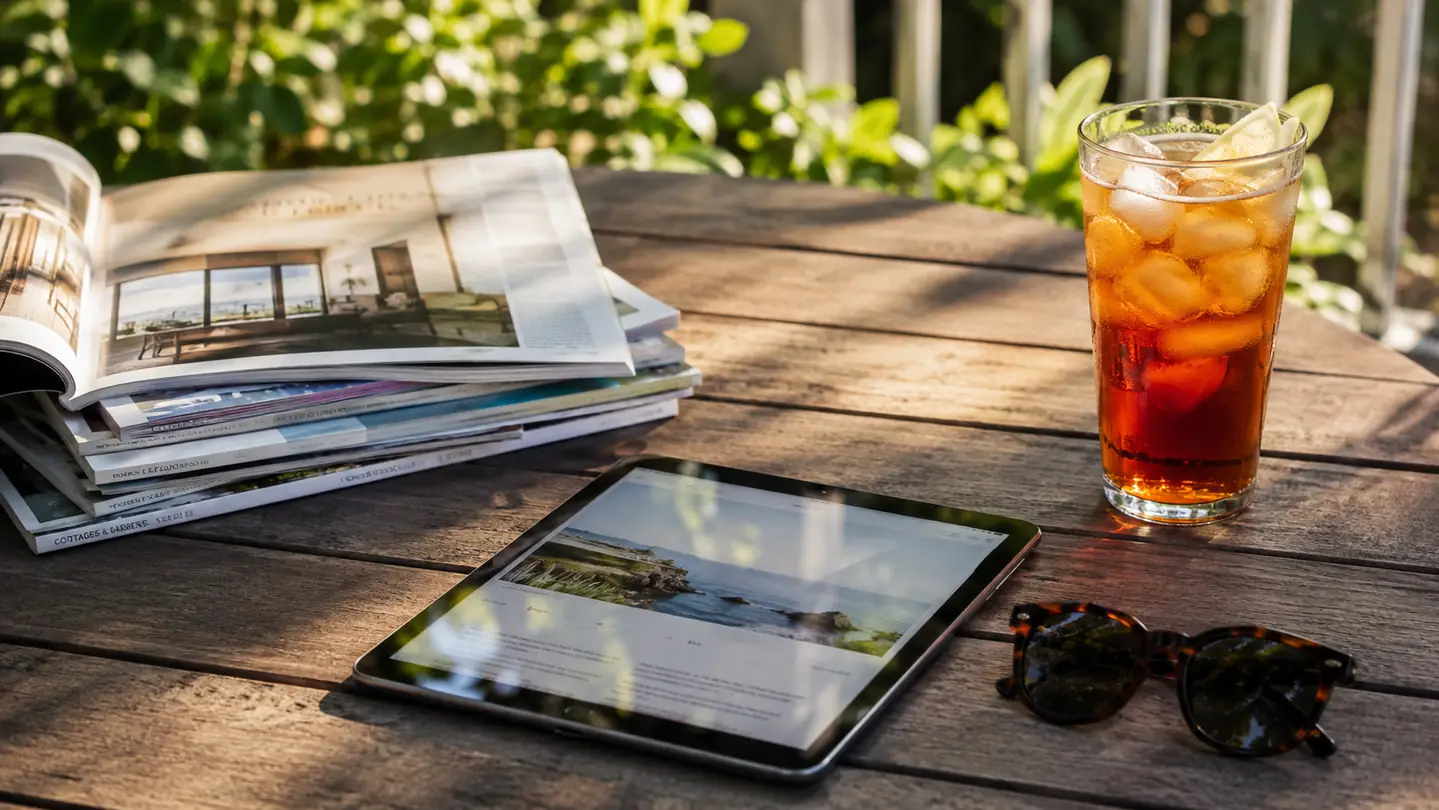
No review is honest without the tradeoffs, so here are mine. The Tab is bigger and heavier than my e-ink readers, and it is a two-hand or counter device. I do not hold it up in bed, because that is what the Paperwhite is for. It needs charging more often than my e-ink readers, which I have gotten used to, and the glass screen picks up glare in a way e-ink does not, so it stays indoors. None of these have made me want to send it back.
There are no physical page-turn buttons, which I normally miss. On the Kobo I use the buttons on my bad-thumb days, and they make a real difference when my arthritis flares. But the jobs the Tab does, checking a recipe, flipping through a magazine, are short sessions, and tapping has never bothered me the way it does when I am reading a novel for an hour. Context matters.
I briefly handled a friend's Fire HD 10 before I bought the Samsung, and it seemed capable of the same jobs. I chose the Samsung because I wanted the full Android app store, so the reading apps I already used on my phone would work exactly the same way. I have not regretted that choice. But if you already live happily inside Amazon's app store, the Fire is worth a look. Different tools, same shelf. And if you already own an e-ink reader, the Tab slots in next to it instead of competing with it, which is exactly what I needed.
What I Liked
- 11-inch color screen shows cookbook photos and magazine layouts the way they were meant to be seen
- Runs Libby, Kindle and Kobo apps, so all my loans and purchases live on one device
- 128GB of storage with microSD expansion; I stopped worrying about space entirely
- Bright and clear in daytime light, which is when I actually use it
- Eye comfort setting takes the edge off the backlight for afternoon reading
- Handles video calls and the occasional documentary without complaint
Where It Falls Short
- Backlit screen is still hard on my eyes at night, so it will never be my bedtime reader
- Bigger and heavier than an e-ink reader; it is a counter or lap device, not a one-hand reader
- No physical page-turn buttons
- Needs charging more often than my e-ink readers
- Glass screen picks up glare, so it stays indoors
Who This Is For
Buy the Samsung Galaxy Tab A11+ if your reading life has a color problem. If you cook from recipes and want a screen that stands on the counter and shows the photographs in full color, this tablet does that job beautifully. If you borrow magazines and PDFs from the library and have been squinting at them on a phone, the 11-inch screen will feel like an upgrade you should have made years ago. If you read picture-heavy nonfiction, travel books or art books, this is the screen that finally does them justice.
It is also for people who want one device for reading apps and the other tablet jobs, video calls, a documentary, a shared shopping list. It has replaced my phone for all of those, and my phone is grateful. If you are tired of reading recipes off a phone screen with one thumb holding the page open, this tablet will feel like a small luxury you should have allowed yourself sooner.
Who Should Skip It
Skip it if you read mostly novels in bed. Your e-reader does that job better, with a screen that is easier on your eyes and a battery that lasts far longer between charges. The Tab is not a replacement for an e-ink reader, and anyone who tells you otherwise is selling something.
Skip it if you want one device to rule them all. If you cannot live with the idea of a daytime tablet and a bedtime e-reader, this will frustrate you. And skip it if you are buying it mainly for reading at night, because the backlit screen will remind you, every single evening, why e-ink exists. The Tab is honest about what it is: a bright, capable daytime screen. Buy it for that, and you will be glad you did. Buy it for bedtime, and you will be reaching for your e-reader within a week.
A color companion, not a replacement
The Samsung Galaxy Tab A11+ earns its spot on my kitchen counter because it does the reading my e-ink readers cannot. If your books need color, this is the tablet I would buy again.
Amazon Check Today's Price on Amazon →