
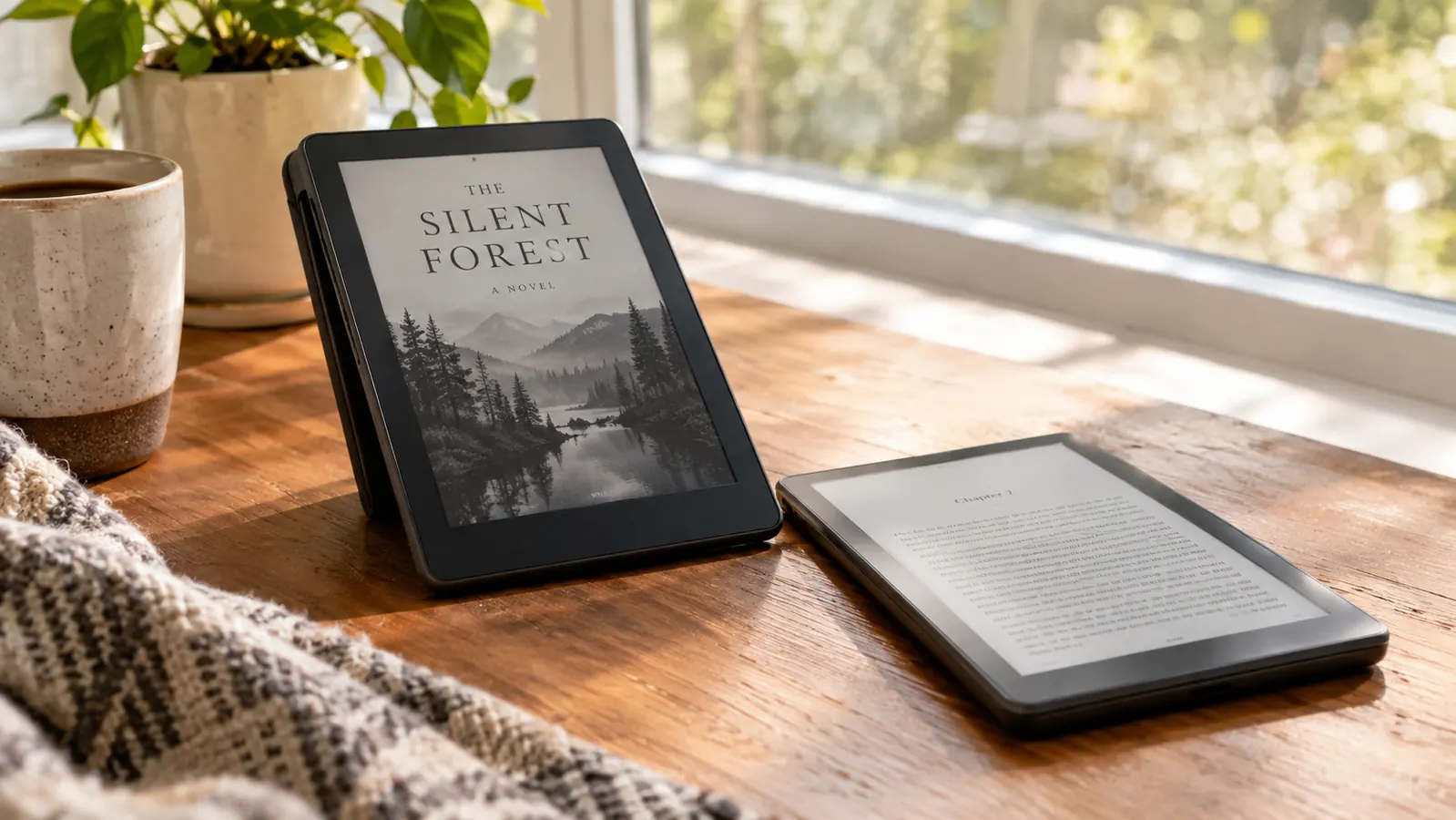
The question I get most often now, from people who spot me reading in the library or ask what to buy their spouse, is about color e-readers. Two names come up every time: the Kobo Libra Colour and the Kindle Colorsoft. I own the Kobo. I have owned it since March, about seven months now, and it is the reader I reach for on days when my right thumb objects to a lot of screen tapping. The Colorsoft I have only handled briefly, on a friend's device and on a store demo shelf, so I am not going to pretend this is a long-term review of the Kindle. What I can give you is an honest, practical comparison from someone who reads two or three books a week, borrows most of them from the public library, and cares more about comfort than about specs.
Here is the short answer. If your books come mostly from the library and your hands get tired, the Kobo Libra Colour is the easier buy, and the page-turn buttons are the biggest reason. If you live inside Amazon's world, with Kindle Unlimited, Audible and years of purchased Kindle books, the Colorsoft makes more sense. For me it was never close, but the reasons matter more than my verdict, so let me walk you through how I compared them and where each one genuinely wins.
How I Compared Them
A fair comparison needs honesty about the home-field advantage. The Kobo Libra Colour is mine, so I know it the way you know a favorite chair. I know how the buttons feel after an hour, how library loans land on it, how the screen looks in the armchair by the window at four in the afternoon. The Kindle Colorsoft I have only held in a store and on a friend's couch, for maybe twenty minutes total. One of those was a Tuesday in early September, when I spent fifteen minutes with it on the demo shelf at the electronics store, flipping through book covers and hunting for the warm light setting. What I kept noticing was my thumb reaching for a button that was not there. That is the closest thing to a controlled test I can offer, and it told me more than I expected. What saves this comparison is that I have used a Kindle every day for about ten months, my Paperwhite, so I know the Kindle software well. I just cannot tell you what the Colorsoft is like to live with for months. I will say plainly where I am guessing and where I am sure.
| Kobo Libra Colour | Kindle Colorsoft | |
|---|---|---|
| Page-turn buttons | Two buttons on the wider bezel, soft click, screen rotates so either hand works | No buttons; every page turn is a tap or swipe |
| Library loans | OverDrive and Libby built in; loans land straight on the device | Works through Libby's 'Read with Kindle', which means extra steps on a phone first |
| Color screen | 7-inch Kaleido 3 color e-ink; color for covers, highlights, the occasional graphic novel | Color e-ink that looked punchier in the store demo I tried |
| Comfort for sore hands | Hold it any way you like and turn pages without reaching for the screen | Same tap-and-swipe as my Paperwhite, which is what hurt my thumb |
| Amazon ecosystem | Kobo's store plus EPUBs from other shops; no Kindle Unlimited | Kindle store, Audible and Kindle Unlimited in one familiar place |
| Waterproof | Waterproof; mine has never been in water, though I once wiped iced tea off it | Waterproof on paper; I never tested one in water |
| Audiobooks | Over Bluetooth, through the Kobo store | Over Bluetooth, through Audible |
| Best for | Library borrowers and readers who want buttons | Amazon loyalists who want color |
Where the Kobo Libra Colour Wins
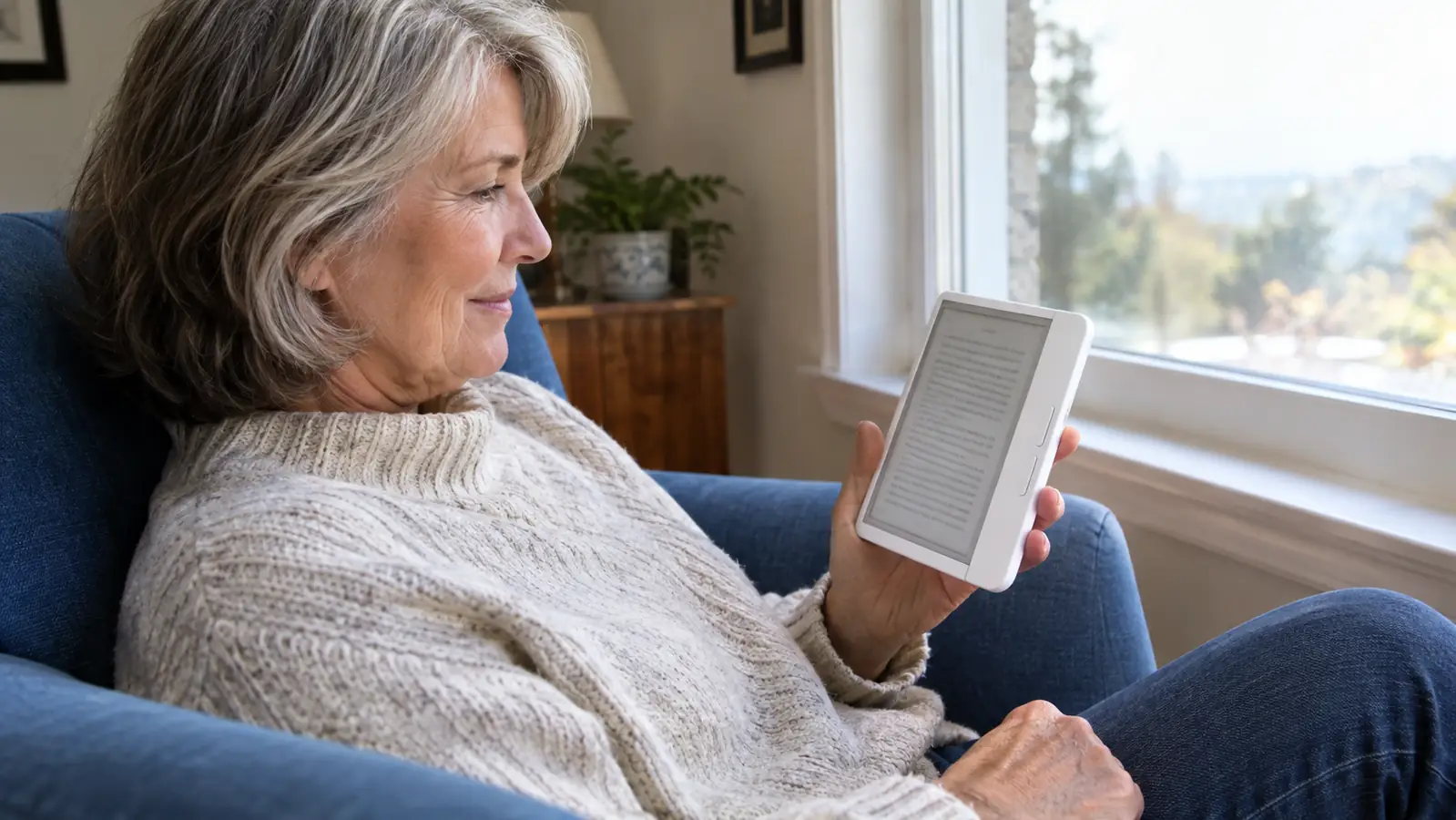
The buttons are the whole story for me, so let me start there. I bought the Libra Colour in March for one reason: my thumb arthritis flared that winter, and tapping the Paperwhite screen started to hurt after a chapter or two. I tried workarounds first. I switched from tapping to swiping, which bought me about a week before the same ache crept back. I tried holding the Paperwhite in my left hand, but I read right-handed and it never felt natural. I tried tapping with my left thumb, but at two or three hundred pages a sitting that did not last either. The buttons were the fix I had not thought to look for. The Kobo has two physical page-turn buttons on the wider bezel, both on one side, and the screen rotates so you can hold it in either hand. They give a soft click. You can grip the device loosely, rest your thumb on the button, and read for an hour without reaching for the screen once. On a bad day, that is the difference between reading and not reading. The Colorsoft has no buttons, same as my Paperwhite, so every page is a tap or a swipe. If your hands are fine, this may not matter. If they are not, it is everything.
The other big win is library loans, which matter more than color for most of the readers I talk to. The Kobo has OverDrive and Libby built in. You borrow a book on the library website or in the Libby app, and it shows up on the device, no computer in the middle. With a Kindle, public-library loans in the US go through Libby's 'Read with Kindle' option, which sends the book to Amazon first and then syncs it to your device. It works, but it is extra steps, and the option is limited to US libraries. For someone who borrows most of what she reads, the Kobo path is simply less fuss. That matters more than any spec sheet. A library loan is the difference between reading a book this week and waiting until you feel like buying it. The Kobo also reads EPUBs directly, which is handy if you buy from smaller bookstores. A Kindle is built around the Amazon store, and that is a real difference in how open the device feels.
One more thing in the Kobo's column, though it is not why I bought it. The Libra Colour supports a stylus, which is sold separately, and I do not own one, so I have not tested it. I mention it because people ask. It is a nice option to have, especially for anyone who wants to scribble in the margins of a PDF. It is not a reason to choose the Kobo over the Colorsoft on its own, but it is a point in its favor.
Where the Kindle Colorsoft Wins
I have to be honest about the color screen, because the Colorsoft won the first impression. The one I tried on the demo shelf had colors that looked punchier, more saturated, than the Kobo's. On that September afternoon I pulled up a graphic novel cover on the store's Colorsoft and then the same cover on my Kobo, and the difference was easy to see: the Colorsoft's reds were deeper and its blues more vivid. I am not going to pretend I measured it. I just know what my eyes preferred in that bright store light. Comics and picture-heavy books would probably look better on it. I cannot give you a long-term verdict, because I did not live with it, and store lighting flatters every screen. But if color quality is the top of your list, you owe the Colorsoft a serious look before you buy the Kobo.
The other real advantage is the Amazon world. If your books live in Kindle Unlimited, if your audiobooks live in Audible, if you have bought from Amazon for years, the Colorsoft keeps everything in one familiar place. It runs the same software as my Paperwhite, which I have used for about ten months and genuinely like. There is real comfort in that. The Kobo's store is good, and the EPUB support is a plus, but the Kobo does not have Kindle Unlimited, and you give up the seamless Amazon setup. For a reader who is all-in on Amazon, that is a legitimate reason to pick the Colorsoft.
Familiarity itself is worth something. If you already own a Paperwhite and just want color, the Colorsoft will feel exactly like home from the first minute, same interface, same no-buttons situation. That is not a small thing. It is just not a thing I needed, because what I needed was a break for my thumb.
The buttons are the difference between reading and not reading on a bad day. That is not a small thing for anyone with sore hands.
The Kobo Libra Colour is the pick for library borrowers and sore thumbs
If your books come from the library and your hands ache after a long tap-and-swipe session, the Kobo does the two things that matter most: physical page-turn buttons and library loans built right in. I have used mine for seven months and it is the reader I reach for on bad days.
Amazon Check Today's Price on Amazon →
The Reading Experience, Day to Day
Since the color is what draws most people in, let me talk about what color is actually like to live with. On the Kobo, the screen is a 7-inch color e-ink display, the Kaleido 3 kind. It is not a tablet screen. It is a calm, paper-like screen that happens to show color. Book covers look lovely, highlights show up in color, and the occasional graphic novel is readable, though I still reach for my tablet when a book is picture-heavy. What color does not do is glow at you. It is still e-ink, still easy on the eyes in a way a backlit tablet is not, which is why I can read it in the armchair for two hours without my glasses complaining.
The daily rhythm is simple. The Kobo lives on the side table by the blue armchair. On normal days I read the Paperwhite, in the armchair or in bed. On bad-thumb days I read the Kobo, always in the armchair, never in bed, because the Paperwhite is my bedtime reader and I am not about to change that. Last Saturday I read a new mystery in that armchair for close to two hours straight, something I could not have done on the Paperwhite back in February without stopping to rest my hand. The buttons clicked along page after page, and I did not think about my thumb once. I finished the book that evening, which felt like a small victory. The Kobo is bare, no case, and the buttons sit exactly where my thumb rests. The battery outlasts my reading pace comfortably, and I mostly stop thinking about it. It has never been in water. I once wiped spilled iced tea off it, and it did not care. I am careful with it, but I am not precious with it. A reading device that makes you anxious is not a reading device.
Who Should Buy Which
Buy the Kobo Libra Colour if you borrow from the library, if your hands get tired, if you like the idea of a device that is not tied to one store, or if you simply want buttons. That last one is not a niche preference. Once you have read with physical page-turn buttons for a week, going back to tapping feels like a step backward. It is the single biggest difference between these two devices, and it is the one most reviews understate.
Buy the Kindle Colorsoft if you are deep in the Amazon ecosystem, if Kindle Unlimited is your main source of books, if you want the punchiest color screen you can get right now, or if you already own a Kindle and want color without learning anything new. The Colorsoft is a good device. It just does not solve the problem I bought the Kobo to solve. Different readers, different hands, different answers. That is not a cop-out. It is the truth about how personal reading gear is.
The Bottom Line
If I had to put this comparison into one sentence: the Kobo Libra Colour is the better reading tool for library borrowers and anyone with tired hands, and the Kindle Colorsoft is the better fit for someone who lives in the Amazon ecosystem and wants the strongest color. I bought the Kobo for my thumb, and I have never once regretted it. Seven months in, it still makes me want to read, which is the highest praise I can give any device.
What I would tell a friend standing in the store aisle: hold both. The buttons are the thing you cannot judge from a spec sheet. Put your thumb where it naturally rests, imagine turning two hundred pages, and ask yourself which device your hands would rather hold at the end of a long day. For me, that answer has always been the Kobo. Your hands get to answer for you.
Still weighing the two? Start with your hands and your library.
The Kobo Libra Colour is the reader I reach for on bad-thumb days, and library loans are built in. If that sounds like your situation, it is worth a closer look. If you are all-in on Amazon, the Colorsoft is a fine choice. Your hands get the final vote.
Amazon Check Today's Price on Amazon →