

I have been reading on an Amazon Paperwhite for about ten months now, and I think I owe you the version of this review that is honest about the annoyances. Every product page shows the same glossy picture: a clean screen, a calm reader, a promise of weeks of battery life. What it does not show is what it feels like to live with the thing. So here is the plain version, from a 61-year-old retired librarian who reads two or three books a week, borrows most of them from her public library, and has opinions about page-turn buttons.
The short version: the Amazon Paperwhite is the best everyday reader I have owned, and I would buy it again tomorrow. It is also a device with real quirks, and a few of them will matter to you more than others depending on how and where you read.
The Quick Verdict
The best everyday e-reader I have owned: light, sharp, kind to my eyes at night, and the library loans are effortless. The lack of page-turn buttons is the one thing I keep wishing Amazon would fix.
Amazon Check Today's Price →If you read most nights, this is the reader to start with
The Amazon Paperwhite does the boring things right: a glare-free screen that reads like paper, warm light for bedtime, and battery life that outlasts my attention span. If you are tired of reading on a bright phone screen, this is the fix.
Amazon Check Today's Price on Amazon →How I've Used It
I bought my Paperwhite in mid-December 2025, online, after my old basic Kindle from 2015 finally gave up. The battery had faded to the point where I was charging it twice a week, and the screen was starting to look like a very small window on a very gray day. I chose the Paperwhite because I wanted the warm light for reading in bed, and because every librarian I know who reads on a device seems to have one. I ordered a CoBak stand case two days later, after one night of holding the bare device and worrying about it, and I have not read it bare since.
Since then, the Paperwhite has been my nightstand companion. It is the device I read in bed every single night, and the one I reach for in my blue armchair by the living-room window on normal days. In the summer it came out to the back porch with me. The first book I read on it was a new mystery from the library's new-release shelf, and I finished it in two evenings, which tells you how little the device got in the way. It has been dropped once, off the kitchen counter onto tile, inside the CoBak case I bought the same week as the Kindle. It slid off the edge of the counter. The case took the scuff and the Kindle came through without a scratch. I have read mysteries, historical fiction, and a fair amount of narrative nonfiction on it, and I have borrowed most of those books through my library's digital lending, which on this device means Libby's 'Read with Kindle' option. That alone has probably paid for the reader twice over.
I should also tell you what I did not do. I did not read it in the bath. I did not take it to a beach. I have never once used dark mode, because I do not like white text on a black page; it makes my eyes work harder instead of less. What I use, every night, is the warm light setting, which I have set to a soft amber that makes the screen look like an old paperback page instead of a phone. On winter evenings I turn it up a notch; in summer I turn it down. It is the first setting I would fight to keep.
What Nobody Tells You About the Screen
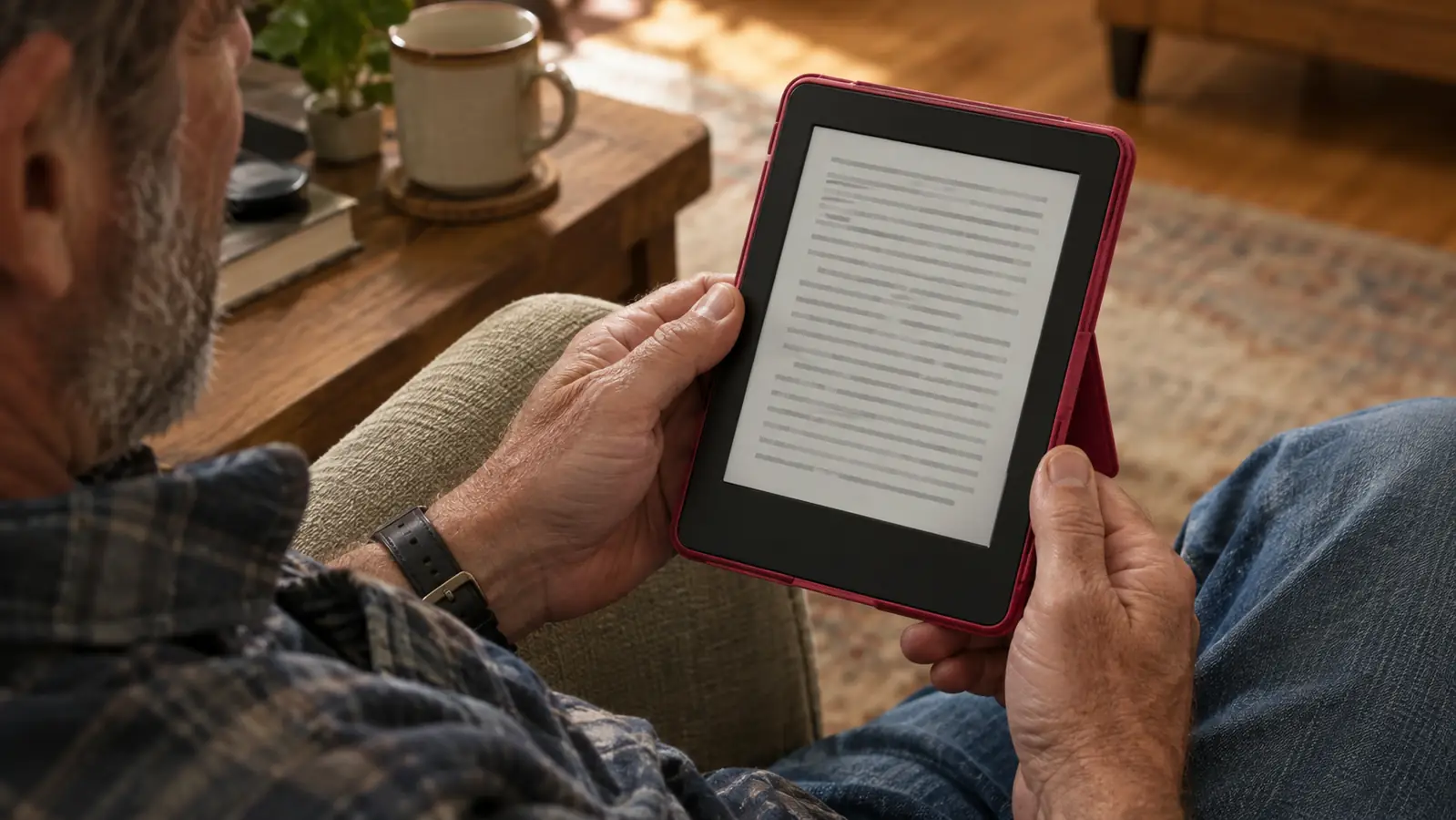
The screen is the reason to buy this device, and it is also the source of my one genuine frustration. The 7-inch glare-free e-ink display is excellent. It reads like paper, which sounds like marketing until you have spent twenty years reading on screens and then go back to a page that does not reflect light back at you like a mirror. My old 2015 Kindle had no built-in light at all, so I read it with a clip-on book lamp that left a bright stripe down one side of the page. The Paperwhite does not do that. The light is even, the text is sharp, and I can read for two hours in bed without my reading glasses feeling like they are doing heavy lifting. That is not something I can say about a phone or a tablet.
Here is the part nobody tells you: the screen only looks perfect when the lighting is right. In a dim room, with the built-in light turned down, the text can look a little gray, not black. I tested this one January evening, turning the brightness down notch by notch, and at the lowest setting the page looked like pencil on newsprint. Perfectly readable. Not the crisp black you see in the product photos. And in direct sunlight, the screen is wonderful, but the device itself gets hot to the touch. The afternoon I remember best was a Saturday in July, ninety-something degrees, and I had to keep shifting my grip and moving the Kindle into the shade of the porch railing. Neither of these things changed my opinion of the device, but they are real, and I would rather tell you about them than have you think something is wrong with your unit.
The warm light is the feature I would least like to give up. At its lowest setting, the screen glows like a paper lamp. At its highest, it is almost orange, the color of a porch light at dusk. I keep mine somewhere in the middle, and I genuinely believe it has reduced the eye strain I used to feel reading on my phone in bed. My husband Dale reads on his phone, and when the lights go out, his side of the room has that flat blue glow. Mine has a soft amber page. It is a small difference, but it is the difference between winding down and staying wired. If you are someone who reads for an hour or more before sleep, this is the feature that will make or break the device for you.
I can read for two hours in bed without my reading glasses feeling like they are doing heavy lifting, and that is not something I can say about a phone or a tablet.
The Page-Turn Problem (and Why I Forgive It)
The Paperwhite does not have physical page-turn buttons. You tap the right side of the screen to go forward, tap the left side to go back, or swipe. This is the single most common complaint in Amazon's star ratings, and it is a legitimate one. When I read in bed, propped on one elbow, I have to either shift my hand to tap the screen or hold the device with two hands. Last January, my right thumb was stiff enough that even a light tap sent a twinge up the side of my hand. I tried reading with my left hand. I tried propping the Kindle against a pillow. I tried swiping instead of tapping. All of it helped a little and none of it helped enough, which is why I bought a Kobo Libra Colour in March. The Kobo has physical page-turn buttons on one side, on the wider bezel, and on bad-thumb days, it is the reader I reach for.
But here is the honest trade-off. The Paperwhite is lighter and slimmer than the Kobo, and the screen is easier to read in bed because there is no color filter layer dimming the text. The Kobo's buttons give a soft click, and the screen rotates so I can hold it in either hand, but on a normal night I still pick up the Paperwhite without thinking about it. The tap-to-turn works fine. It is only when my hands ache that I notice the absence of buttons, and on those days, I use a different device. If you have arthritis or any kind of hand pain, the lack of buttons might be a dealbreaker. If you do not, you will probably stop noticing it after a week. That is not me being dismissive; it is just what happened with me.
The other thing nobody tells you about page turns: there is a tiny delay. E-ink refreshes slowly by design, and you can see the text 'blink' as it redraws. It is maybe a third of a second, but when you read fast, a third of a second is a noticeable pause. It is not a problem, exactly, but it is a rhythm you have to get used to. I read fast, and for the first few weeks I kept trying to turn the page before the screen was ready, tapping again and sending myself back a page by accident. My husband Dale says he cannot feel the delay at all, which tells me it bothers fast readers more than slow ones. Now I do not notice it. But if you are coming from a tablet where pages flip instantly, give yourself a week to adjust before you decide you hate it.
Battery Life, Library Loans, and the Boring Stuff That Matters
The battery life claim on the box is 'weeks,' and for once the marketing is close to the truth. I charge the Paperwhite about once a month, sometimes less. I read for an hour or two most nights, and the battery drains so slowly that I stopped tracking it. When it does run low, it charges over USB-C, which means I can use the same cable that charges just about everything else in the house. I usually plug it in at the kitchen counter on a Sunday morning while I make coffee, and by the time the coffee is done, it is back to full. That is a small thing, but it is the kind of small thing that keeps a device from being annoying.
Library loans are where the Paperwhite shines. My public library uses Libby, and with the 'Read with Kindle' option, a borrowed book lands on the device almost instantly. I do not have to plug the Kindle into a computer, I do not have to download a file, I do not have to remember a due date. The book just appears, and when the loan expires, it quietly disappears. For someone who borrows most of her reading, this is the feature that makes the device feel like it is working with me instead of against me. I have had a few loans fail to transfer, usually when the library's copy was not available in Kindle format. The one I remember best was a historical novel that only existed in a format the Kindle would not take, and I ended up requesting the print edition and reading it on paper instead. That was slower, but it was not the device's fault.
One honest warning about the Amazon ecosystem: the Paperwhite is happiest when you buy books from Amazon, and it is slightly less friendly to books from elsewhere. You can send documents and side-loaded ebooks to the device, but the process is clunkier than it should be. The first time I tried it, I spent twenty minutes hunting through the settings for the 'Send to Kindle' address, which was not where I expected it to be. I have a handful of older ebooks from before I had a Kindle that will not transfer at all because of file formats, and they sit in a folder on my old laptop. It is a small collection, but it is mine, and I would like to read them on this device. If you have a large library of ebooks from other stores, check compatibility before you commit to this one.
What I'd Change (and What I Wouldn't)
What I Liked
- Screen reads like paper, even in bright sun, and the warm light makes bedtime reading genuinely comfortable
- Battery truly lasts weeks; I charge about once a month
- Library loans through Libby's 'Read with Kindle' are nearly effortless
- Light and slim enough to hold one-handed for an hour
- Waterproof, so a spilled drink or a dropped device in the rain is not a disaster
- USB-C charging, so one cable works for everything
Where It Falls Short
- No physical page-turn buttons; tapping the screen is a real annoyance on bad-thumb days
- Screen contrast is a little gray at low light levels, not the crisp black of the product photos
- Amazon's ecosystem is a walled garden; side-loaded ebooks can be finicky
- The page-turn refresh has a tiny delay that takes a week to get used to
- In direct sun, the device itself gets warm to the touch
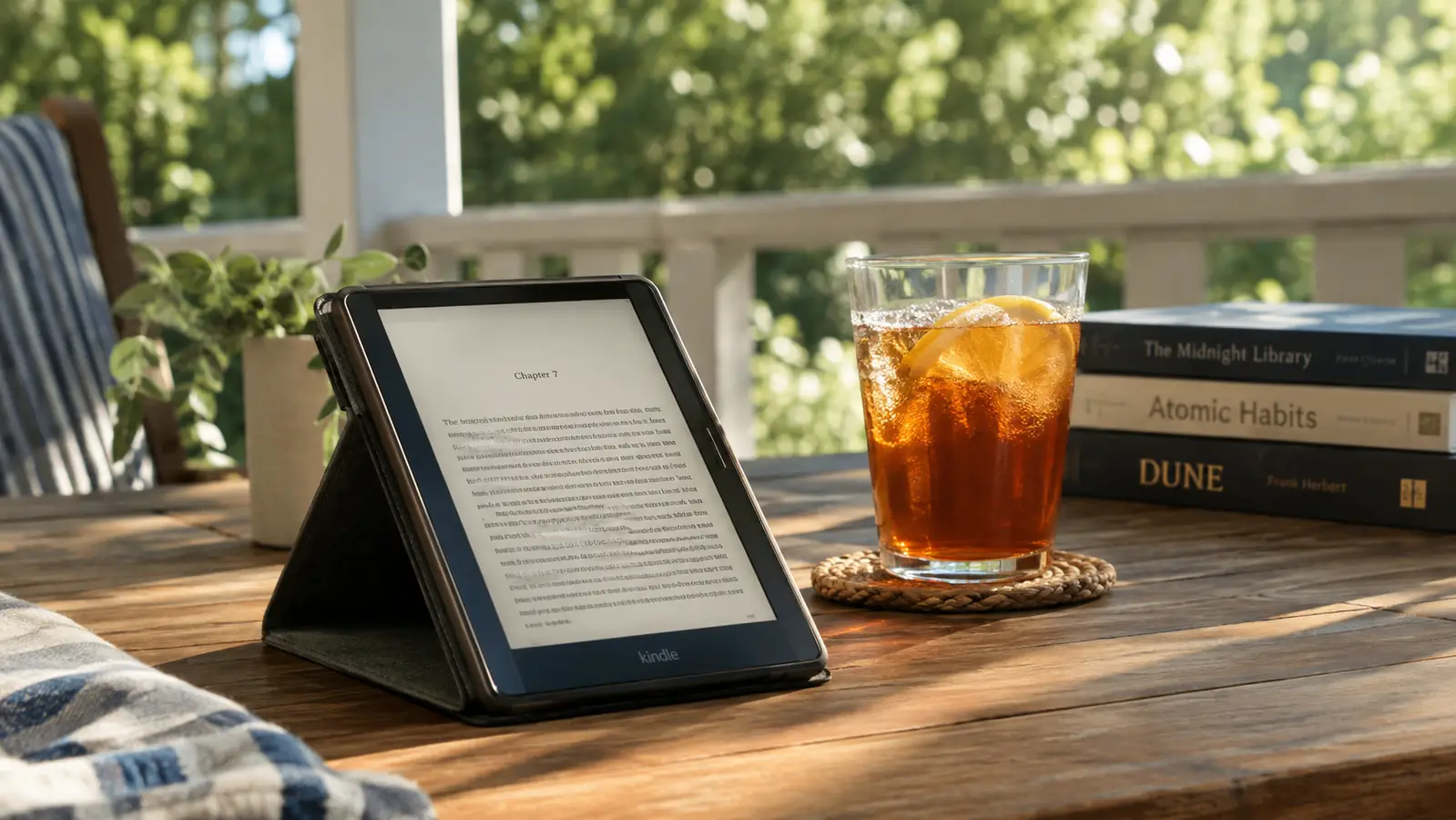
If Amazon added physical page-turn buttons to the Paperwhite, it would be close to a perfect device for me. Without them, it is merely excellent, which is still a strong recommendation. I would not trade the screen quality, the battery, or the library integration for a pair of buttons, and I say that as someone who owns a button-equipped reader for her bad days. I also would not trade the case, even though the stand only works at one angle and tips over on a blanket; on a table or a tray it is steady, and the cover wakes the Kindle when I open it.
Who This Is For
Buy the Amazon Paperwhite if you read most nights and you want a device that gets out of the way. It is for the person who wants a screen that looks like paper, a battery that outlasts a long vacation, and library books that arrive without fuss. It is for the person who reads in bed, on the porch, on a plane, in a waiting room, and wants one thing that does that job well. It is also for the person who does not want to think about their reading device, because after the first week, you will not think about this one.
Who Should Skip It
Skip the Paperwhite if you have arthritis or any hand pain that makes tapping a screen uncomfortable, because the lack of page-turn buttons will frustrate you every single day. Skip it if you have a large library of ebooks from other stores, because the Amazon ecosystem does not make them easy to move. And skip it if you want to read in the bath or by the pool without worrying about the device getting wet, because although this one is waterproof, you will still worry about it. If any of those sound like you, look at a reader with physical buttons, or consider reading on a tablet where you already own the books.
Ten months in, I still reach for it every night
The Amazon Paperwhite is the reader I recommend to friends who ask what to buy, with one caveat about the buttons. If you read in bed and want a screen that is easy on your eyes, this is the one.
Amazon Check Today's Price on Amazon →