
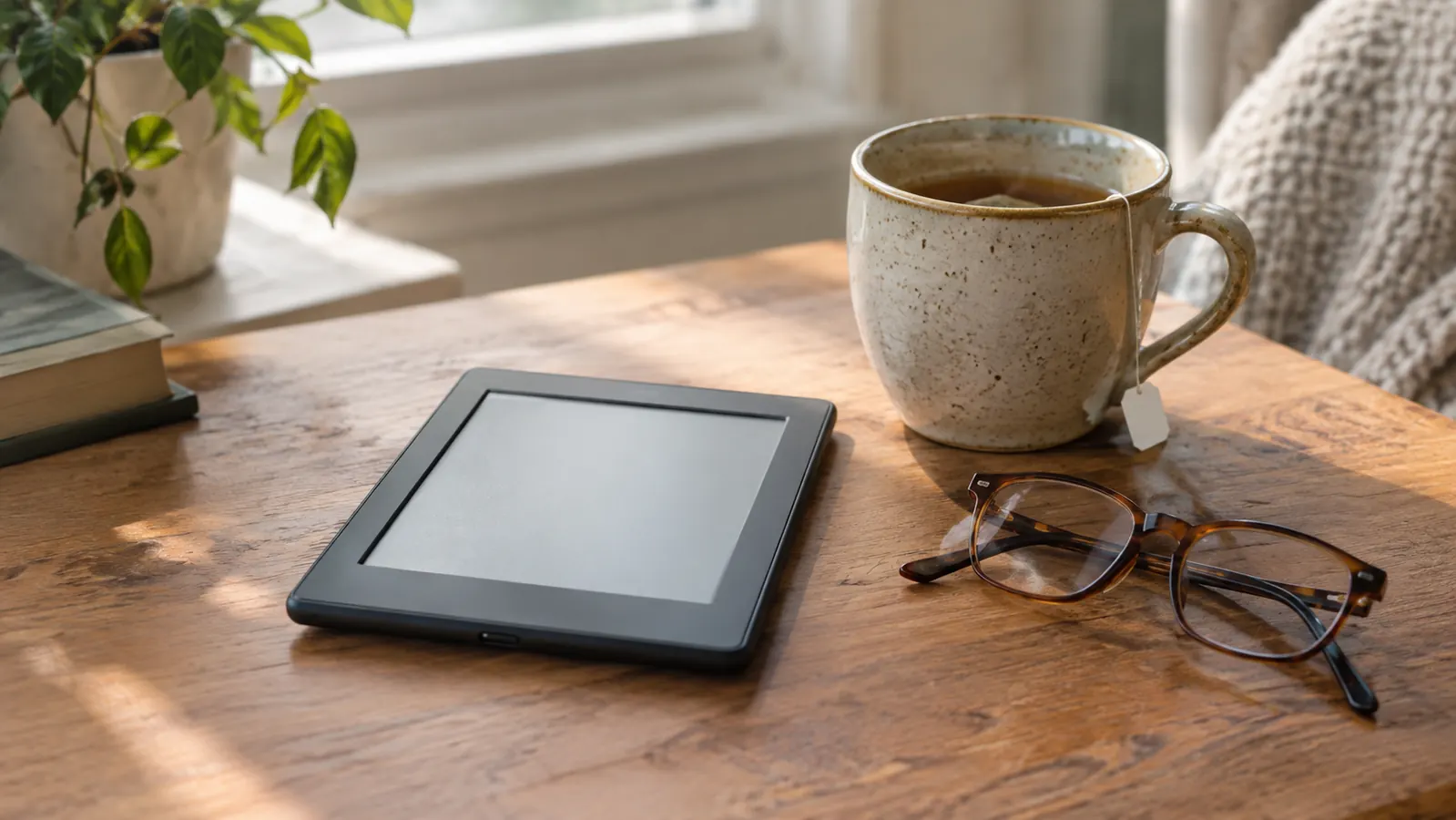
After thirty-two years as a middle-school librarian, I have read on everything: paperbacks with the spine cracked, hardcovers propped on a dictionary, a tablet that turned into a mirror the moment the sun came out. So when I say the Amazon Kindle Paperwhite has been the easiest thing I have read on in years, I mean it as a practical judgment, the way a carpenter judges a tool. I bought mine online in mid-December, and it has become my nightly companion, the thing I reach for in bed when my reading glasses are on and the house is quiet.
This is not a list of specs. It is a list of ten small ways this e-reader is genuinely easy on tired eyes, in the order I noticed them. Some I noticed the first evening. Others took a week of nightly reading before I understood why my eyes felt different in the morning. All of them are things I would tell a friend who reads the way I do: two or three books a week, mostly in the evening, with a pair of reading glasses on the end of her nose.
Tired eyes? The Kindle Paperwhite is the most comfortable reader I own.
I have read on it every night for ten months. If you want a screen that feels like paper, this is the one.
Amazon Check Today's Price on Amazon →The glare-free screen is the first thing you notice
E-ink does not reflect light the way a phone or tablet screen does. I have read on the back porch in full summer sun, and the text stays crisp instead of washing out. A glossy phone screen, by contrast, turns into a mirror the second the sun hits it. The Paperwhite does none of that. The 7-inch display is glare-free, so I can sit where the light is good instead of rearranging the furniture to read. That alone makes it easier on my eyes than any backlit screen I have tried.
The warm light is the reason I sleep better
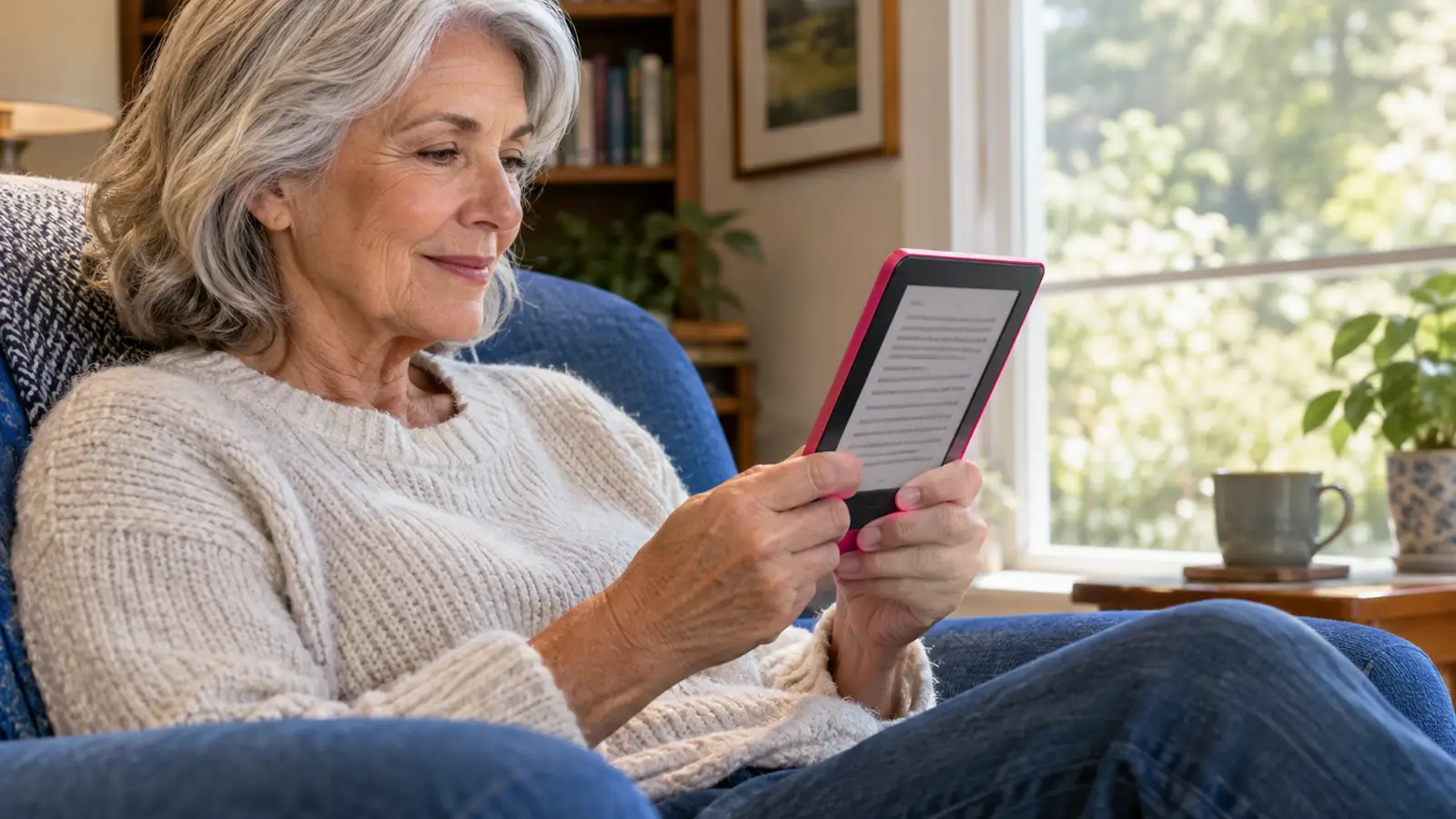
At night I turn the warm light up and the screen goes from bright white to a soft amber. It is like reading by a lamp instead of a fluorescent tube. I read for thirty minutes or so before I go to sleep, and with the warm setting on, my eyes stopped feeling that dry, tired sensation they used to get after an hour of reading in bed. My old basic Kindle from 2015 had no warm light at all, which I did not realize I was missing until I had the choice. Now I set the warmth where I like it and I do not think about it again.
It weighs almost nothing, so my hands do not ache
I have mild arthritis in my right thumb, and a heavy hardcover makes it worse fast. The Paperwhite is light enough that I can hold it for an hour without shifting position, and because it sits in a CoBak stand case, I can also prop it on the arm of my chair when my hand needs a rest. That is a bigger deal than it sounds. I read two or three books a week, so I am holding a device for several hours a week. The difference in how my hand feels by Friday is real.
No blue light blasting at midnight
Tablets and phones pump out blue light that tells your brain to stay awake. The Paperwhite's warm setting cuts that. I read for thirty minutes before sleep and I am actually sleepy when I put it down, instead of wired. My husband Dale reads on his phone in bed, and he is still scrolling when I turn out the light. He has noticed the difference too, though he has not switched. I will take the win.
The text looks like ink on paper, not pixels
The 7-inch screen is sharp enough that I forget I am looking at a screen. The letters have weight, like a real book page. I read mostly mysteries and historical fiction, and when a book is good, I stop noticing the device entirely. Last month I read a thick historical novel in three evenings, and I never once glanced at the clock. That is the highest compliment I can give a piece of reading gear. It disappears.

Battery life means I never read by a dying screen
The battery lasts weeks, not hours. I charge it every few weeks, usually while I am doing something else, and I have never once been mid-chapter when the screen went dark. That happens constantly with a phone, which needs plugging in almost every night. The Paperwhite charges over USB-C, so the same cable I use for other things works fine, and the charge just sits there until I need it. I usually plug it in on a Sunday afternoon while I am making tea, and it is ready by the time I sit back down.
The adjustable font size saves my reading glasses
I can bump the text up to a size I can read without squinting. My reading glasses still help, but I am not leaning forward or holding the book at arm's length. I set mine a little larger than the default, and by page fifty I have forgotten I changed anything. I can also adjust the line spacing and the margins, which sounds fussy until you find the combination that makes a page feel like your favorite paperback. It is the kind of setting you adjust once and never think about again, which is exactly what a reading tool should be.
Library books land without a trip to the branch
I borrow most of my books through my library's digital lending. They land on the Paperwhite through Libby's Read with Kindle, the feature Amazon built for library loans, and no computer is needed. For a retired librarian, that is the best part of the whole device. I can place a hold on a mystery from the library catalog, and when my turn comes, the book shows up on the Kindle ready to open. No trip to the branch, no waiting for the paperback to come back, no overdue fines to worry about.
No notifications, no pinging, no reasons to look away
The Paperwhite does not buzz with news alerts or messages. It is the closest thing to a book that still plugs in. My eyes stay on the page because nothing is pulling them off it. There is no badge on the cover, no red dot, no reason to check anything. The only thing on the screen is the book you are reading, and the lock screen just shows a pleasant image and the time. When I read, I am only reading. That quiet is harder to find than you would think.
It is waterproof, so I never worry about a splash
It is waterproof, which matters more than I expected. I do not read in the bath, but I have read on the back porch in summer with a cold drink sweating on the table beside me, and I have never once worried about a splash. The case folds into a stand, so on the porch the Paperwhite sits propped on the table and I barely have to hold it. The peace of mind is part of why I reach for it instead of a paper book.
What I'd Skip
If you are the kind of reader who loves the feel of a physical book, who underlines in the margin and collects signed first editions, the Paperwhite is not a replacement for that. It is a different tool. And if you want physical page-turn buttons, this model does not have them; you tap or swipe. That bothered me for about a week, and it still bothers me on days when my thumb arthritis flares up. I keep a Kobo Libra Colour for those days, because its buttons sit on one side and give a soft click when you press them. The Paperwhite is my nightly reader, but it is not my only reader. If you only want one device and you read mostly at night, I would still start here.
I have read on it every night for ten months, and my eyes do not feel the way they did after an hour on a tablet.
Still deciding? Start with the Kindle Paperwhite.
It is the most comfortable e-reader I own. If it does not suit you, Amazon makes returns easy.
Amazon Check Today's Price on Amazon →