
I have a confession that would have embarrassed me during my years as a middle-school librarian: I used to read nonfiction with a pencil in my hand and no plan for what happened after I finished a chapter. I underlined. I dog-eared. I wrote tiny notes in the margins of books I owned, and for library books I just hoped I would remember the good parts. Then I forgot them. Last spring I checked out a history of the Erie Canal, read the whole thing, and two months later I could not tell you a single thing about it except that the locks were a problem. That was the moment I admitted my note-taking method was not a method at all.
The Kindle Scribe changed that for me. I bought one in May, mostly because I wanted to try handwritten notes on a large screen, and it turned out that reading notes were the part I actually use. It is an Amazon device, so library books land on it the same way they do on my Paperwhite, through Libby's 'Read with Kindle' option, and the screen is big enough that I can write in the margins without squinting. If you read nonfiction and forget what you read, here is the system I have landed on after five months of using it.
The same tablet that holds your books can hold your notes
The Kindle Scribe is the one e-reader I own that I actually write on. Margin notes, sticky notes on books I own, and a running reading notebook all live in one place. It has been on my kitchen table since May for a reason.
Amazon Check Today's Price on Amazon →Step 1: Get the book onto the Scribe and set a layout you will actually read
Most of my books come from the public library, so the first step for me is getting the loan onto the device. I borrow through the Libby app on my phone, choose the Kindle format, and the book lands on the Scribe automatically. Books I buy from Amazon work the same way, and they show up in the same library on the device. Either way, I open it the way I would any other Kindle book, with the font, spacing, and margins already set the way I like them. I read about one nonfiction book a month on the Scribe, usually history or biography, so the process does not have to be fast. The books I choose for it are the ones I want to argue with.
Before I read a word, I set the page so my eyes are comfortable. On the Scribe I use a larger font than I do on my Paperwhite, with wider line spacing, because the screen is big enough that a large font does not look silly. I also widen the margins. That matters more than it sounds. The whole point of this device is writing in the margin, and a narrow margin quietly invites you to skip the notes. I also turn on page numbers and leave the chapter headings visible. Small choices, but they keep me oriented in a long nonfiction book.
I read the Scribe at the kitchen table or with it propped on my lap in the armchair. It is heavier than a Paperwhite, so it is a two-hand or a lap device, and I plan for that. If I am reading in bed, I reach for my Paperwhite instead. The Scribe is for sitting up and thinking, not for drifting off. The kitchen table is my thinking spot, and the Scribe fits there better than any other reader I own.
Step 2: Decide, before you start, what you are reading for
This is the librarian in me talking, and it is the step that saved my reading life. Before I open a nonfiction book on the Scribe, I write one line at the top of a fresh notebook page: the title, the author, and what I want from the book. Not a book report, just an intention. For the Lincoln biography I read this summer, I wrote 'What made him an effective wartime leader?' For a history of public libraries, I wrote 'How did Carnegie's money actually change the towns that took it?'
That single line changes how I read. When I hit a passage that answers the question, I stop and mark it. When I hit a passage that does not, I let it go. I am not taking notes on everything, which means the notes I do take have a shape. A page of notes that tries to capture a whole book is just a shorter book. A page of notes that answers one question is something I will actually reread. It also keeps me honest about what I actually found. A question I wrote down before reading is a promise to myself, and I notice when the book does not answer it.
If you read mostly fiction, you can skip this step entirely. I read two or three books a week, mostly mysteries and historical fiction, and I almost never take notes on those. The Scribe earns its place for the one nonfiction book a month I actually want to keep, which is exactly the reading that used to vanish on me.
Step 3: Mark lightly as you go, without breaking the flow
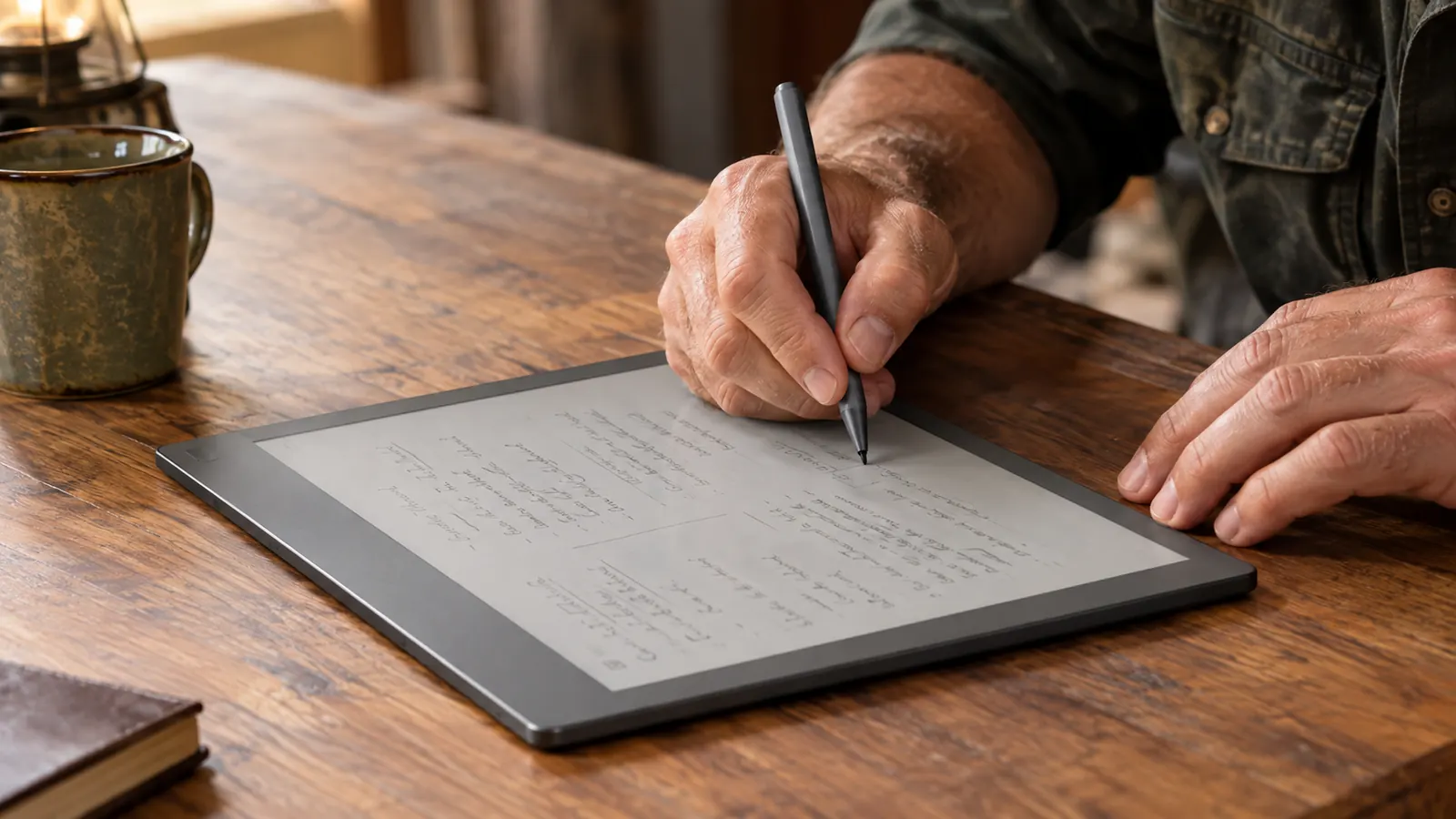
Here is the rule that keeps note-taking from ruining reading: never write more than a line while you are in the middle of a chapter. On a book I own, I use the Scribe's sticky notes for the rare long thought. On library books, I highlight a sentence or two and add a short handwritten note in the margin. The Premium Pen that comes with the Scribe writes directly on the page, and the margin on the 10.2-inch screen is wide enough for a few words. The pen is the reason this step works at all. It writes like a normal pen, so the note takes three seconds and the reading continues.
Short is the whole trick. 'Check this claim,' 'This is the turning point,' and 'Same argument as chapter three' are the kinds of notes I actually leave. If I find myself wanting to write a paragraph, I underline the passage and keep reading. The paragraph goes into the notebook at the end of the chapter, not in the middle of the argument. A margin full of one-line thoughts is a map of the book. A margin full of paragraphs is a diary.
This is also where the Scribe beats a paper book for me. In a paper book the margin is fixed and my handwriting shrinks to fit it. On the Scribe the margin note stays legible, and I never run out of room. I have filled margins with notes I would have skipped on paper simply because it was easier to write here. And because the notes are digital, they stay exactly where I left them. No page lost, no margin smudged.
Step 4: Turn the margins into a notebook
Once a chapter or a reading session ends, I spend two minutes in the Scribe's notebook feature. I keep one running notebook called Reading Notes, and after each session I add a short entry: the book, the chapter, and three or four lines in my own handwriting about what actually mattered. Not a book report. The parts I want to remember, and why. I date the entry, because the date tells me later how the book settled in my memory.
This is the step that fixes the library problem. When a library loan ends, the book goes back, and while my highlights are usually saved to my account, I do not trust that to survive a return and a re-borrow. So anything worth keeping gets copied into the notebook while I still have the book. The thinking survives the loan. I have lost too many good ideas to returned loans to risk it.
Because the notebook lives on the same device as the books, there is no second notebook to lose and no paper to sort. I have a stack of half-filled paper notebooks in a drawer that prove how badly I needed this. The Scribe puts the margin and the notebook in one place, and for me that single fact is why it has stayed on my kitchen table since May. The stack in the drawer was the problem I was trying to solve, and the Scribe solved it by being one thing instead of six.
Step 5: Review the notes once a week, then let them go
Notes that are never reread are just a tidy way of forgetting. On Sunday mornings I flip through the Reading Notes notebook on the Scribe and read what I wrote that week. It takes about ten minutes. Most entries get a nod and get left alone. A few get a fresh line, something like 'This still matters, see the chapter on the 1862 campaign.'
The point is not to build an archive. I learned that the hard way with paper notebooks. The point is to give the important ideas a second pass through my brain, because that second pass is what makes them stick. The notes I review are the notes I remember. The rest I let go. Five months in, the system has survived exactly one busy stretch, which is the real test of any note-taking method.
And because it is all in one notebook, I can flip back to something from three months ago without remembering which of six notebooks it was in. Everything I have read and thought about on this device sits in one place. That is the whole system, and it has worked for me for five months. It is not fancy, and that is exactly why it keeps working.
What Else Helps
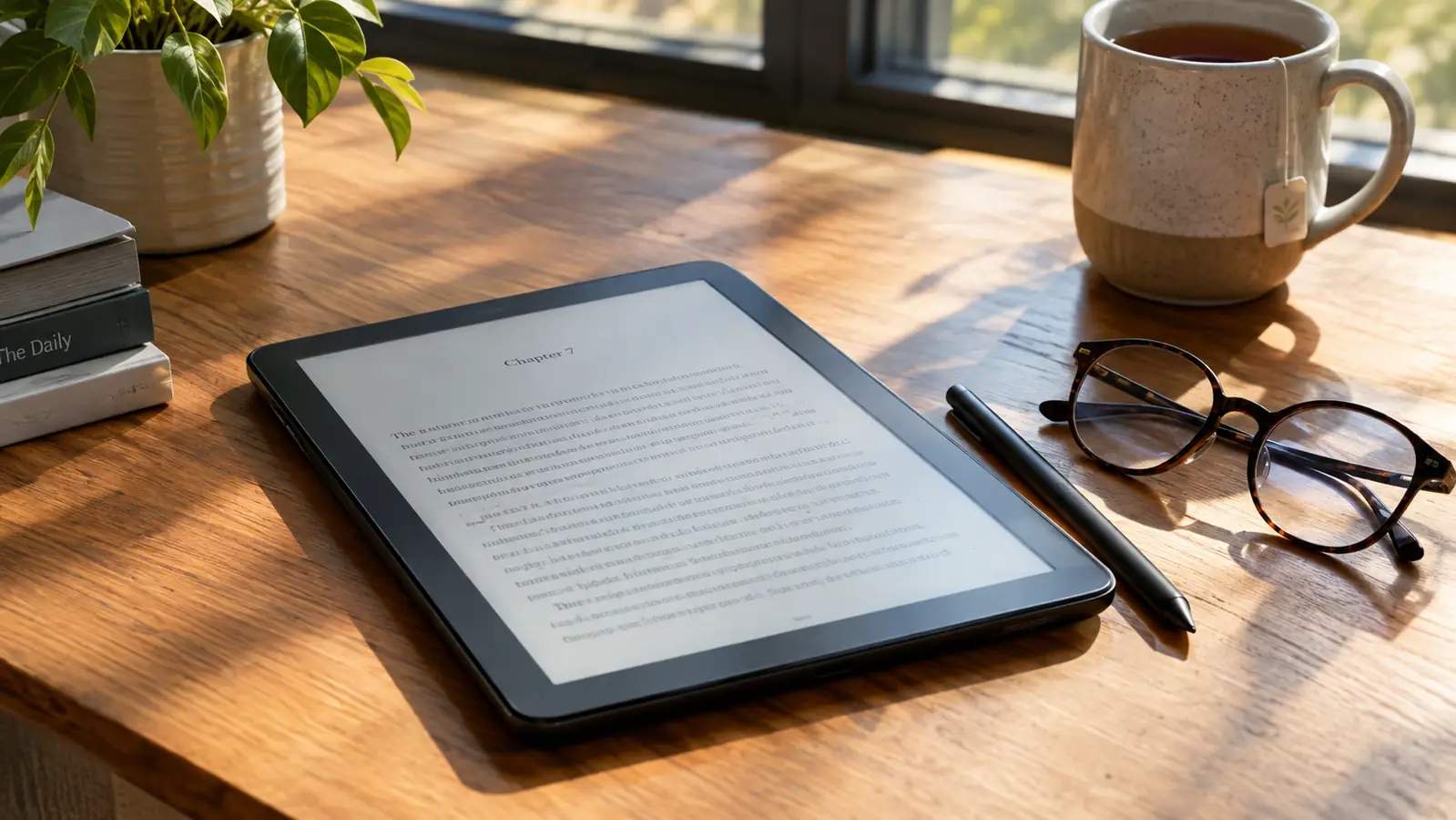
A few small things make the system work better. The Premium Pen comes in the box, so there is nothing else to buy, and I keep it beside the Scribe on the table the way I used to keep a pencil beside a paper book. If the pen has to be hunted for, the notes do not happen. That habit came from years of misplacing reading glasses, and it applies to pens too.
Sit somewhere with a hard surface or a lap. The Scribe is heavier than my Paperwhite, so I read it at the kitchen table or propped in the armchair. It is not a one-hand device, and it is not my bedtime reader. Plan for that and the note-taking becomes natural instead of a chore.
Use sticky notes for the books you own. Margin notes are for quick thoughts, and sticky notes are for the longer ones. On a book I own, a sticky note can hold a whole paragraph of reaction, and it stays attached to the exact page. That is a luxury a paper margin never gives me.
And be honest about whether you need the Scribe at all. If you read only fiction, my Paperwhite does the job and does it in bed. The Scribe earns its keep for nonfiction, for notes, and for the volunteer notes I take for the Friends of the Library. If that sounds like you, it is worth a closer look. I would give the Scribe 8.5 out of 10 for the job of reading notes, and five months in, nothing else I own does it better. If it does not sound like you, save your money and keep the device you already read on.
Finally, give the notebook a boring name and keep it forever. Mine is called Reading Notes, not something clever. A clever name makes a notebook feel like a project, and a project is easier to abandon than a habit.
A borrowed book has to go back to the library, but the thinking you did in it does not have to go with it.
Your reading notes, finally in one place
If you read nonfiction and keep forgetting what you learned, the Kindle Scribe gives you a margin, a notebook, and a pen in one device. It is one of the most useful reading tools Amazon makes, and mine has been on the kitchen table since May.
Amazon Check Today's Price on Amazon →